Turn one photo into a talking head video
Upload a portrait, write a few lines and get a natural talking head presenter for YouTube, TikTok, Reels and courses.

Lifelike Presenters
 Expressive lip-sync
- Natural head and eye motion
- Any face, real or illustrated

Image & Video
- Same look in every clip
- Sharp, studio-style output
- Vertical, square or wide

Voice
- Emotion you can direct
- Live, back-and-forth replies
- Voices designed from a prompt
Trusted by creators and growing teams
“Our team now ships a fresh talking head lesson every week without ever booking a studio.”
“Swapping stock footage for a friendly on-screen host kept visitors on our product tours far longer.”
See a talking head come alive
Pick a character, start chatting and picture it hosting your next video.
 Digital presenter
 Conversation
 Image creation
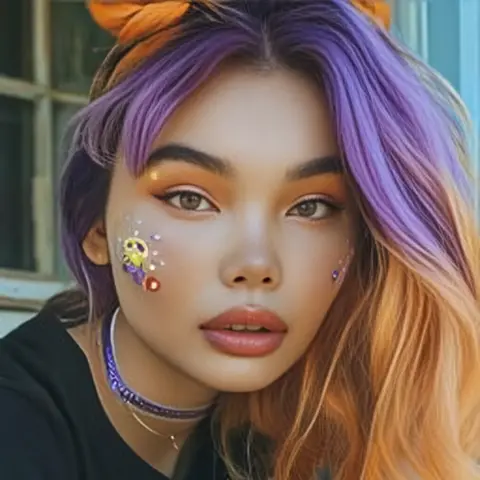
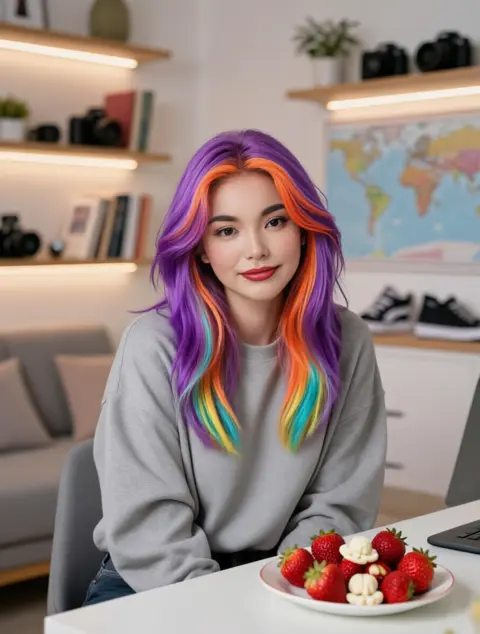
Hi! What should my next video be about?
Made for the way people watch
Faces keep viewers watching
longer

1 photo to begin
One clear portrait is enough to build a presenter who looks the same in every video.
3 formats
Export talking head clips in vertical, square or widescreen for every feed you post to.
24/7 host
Your on-screen presenter never gets tired, camera-shy or stuck in traffic.
Characters that look,
speak and stay in character
One presenter, every format
People are wired to watch faces. A talking head adds eye contact, tone and expression that text or slides cannot deliver, so your message lands and sticks long after the scroll.
Memory & personality
Your character keeps the same style, quirks and catchphrases across hundreds of scripts.
 Stays on-brand in every episode
- Calls back to earlier videos
- Personality grows with your series
Image Generation
Create new scenes of your presenter from one reference portrait and a short prompt.
- Same face in every shot
- Polished, studio-style quality
- Fresh outfits and settings
Video Animation
Bring any still photo to life with a single line of text.
- Follows your direction closely
- Smooth, natural movement
- Works with any portrait
Voice
Turn a written script into spoken audio that matches your presenter's look and mood.
- Set the emotion line by line
- Real-time spoken replies
- Design a voice from a description
Safety built into every layer
Controls that cover image, video and voice.

Content filtering – stops harmful prompts and outputs.

Context rules – tighter checks for sensitive topics.

Custom limits – tune protections to fit your audience.
From script to screen
Use cases and guides
Use case
Social creators post daily TikTok and Reels updates with one consistent presenter and no camera setup.
Try it
Use case
A language school turned weekly lessons into short talking head explainers that students actually finish.
Start now
Use case
Product teams explain launches with an on-screen host, reusing one script across several languages.
Explore
Guide
Write a short script, choose a face and a voice, then publish your very first clip.
Get started
Questions people ask
What is a talking head video?
A clip where one person, real or AI, speaks straight to the camera, usually framed from the chest up. It is the go-to format for tutorials, updates and explainers.
Do I have to film myself?
No. Begin with a single portrait or choose a ready-made character, then add your script and pick a voice that fits.
Where can I publish the results?
Anywhere video plays: YouTube, TikTok, Instagram Reels, online courses, landing pages and ads.
Can one presenter star in a whole series?
Yes. Keep the same face, voice and personality across every episode so viewers recognise your host instantly.