Talking Head

Choose your format

Talking head vs camera: Which should you use?

The talking head vs camera decision is really about what viewers need to see. A face-led video keeps attention on an explanation; footage of a place, process, or object lets the evidence do more of the work. Many strong videos use both, but choosing a primary format first makes the edit clearer.

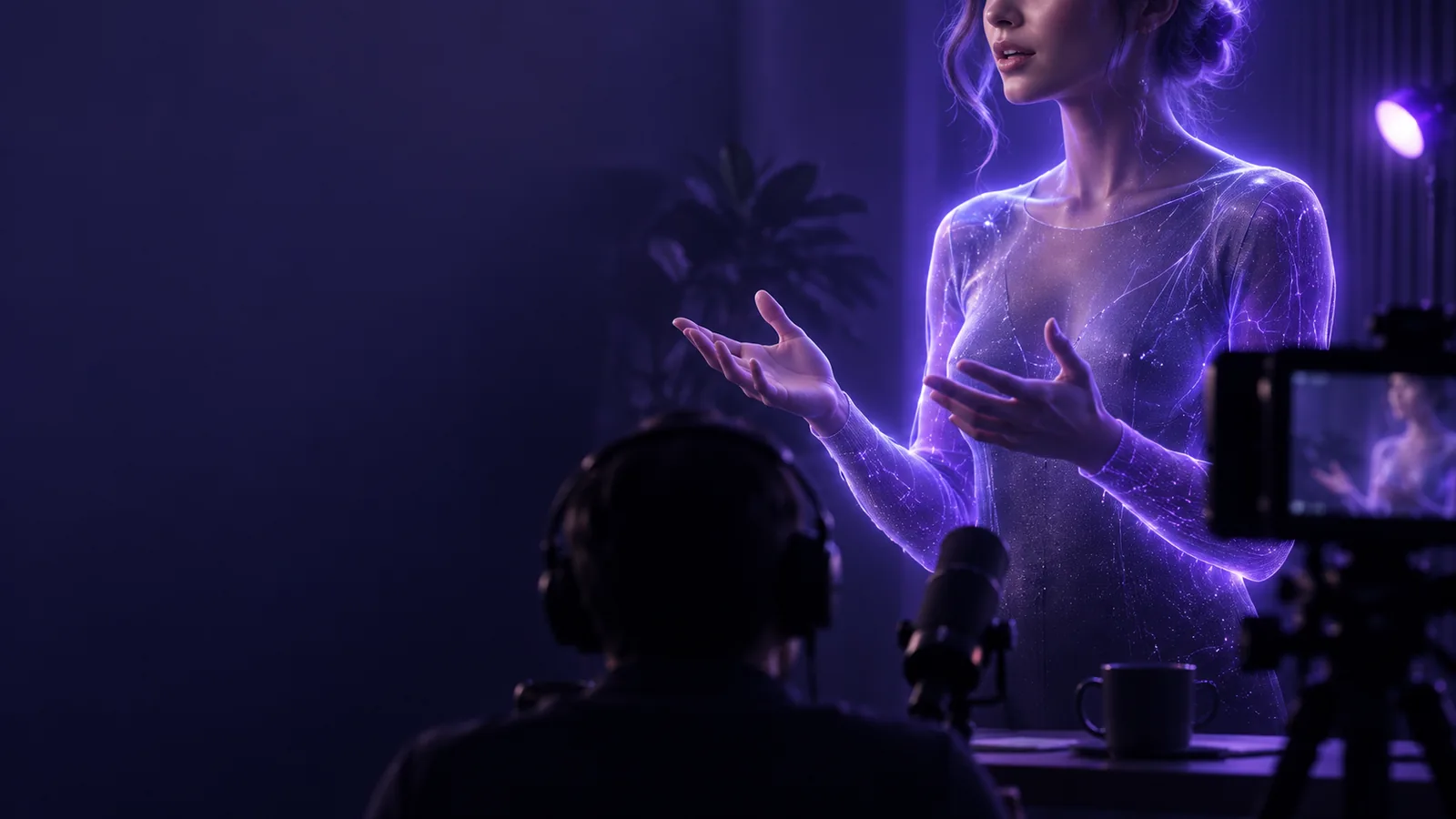
A presenter speaking directly to the viewer

Pick the format that carries the essential information, then add the other only where it helps. A viewer should never have to imagine a detail you could show.

Capability matrix

These three scenarios give each format a fair test: what must the viewer understand, and which image communicates it without extra explanation?

Educator explaining an idea

Pick a talking head when the lesson depends on trust, emphasis, and a clear line of reasoning. A presenter can introduce a concept, pause at the difficult part, and make the next point feel connected. Cut to diagrams or examples when words alone become abstract.

The face-led format carries the argument; supporting visuals clarify specific claims. If the lesson is built for a long-form channel, the comparison in talking head vs youtube helps separate the presentation style from the platform itself.

talking head vs youtube

Maker demonstrating a repair

Pick camera footage of the work when hand position, tool angle, or a change in the object matters. A face explaining the repair while the crucial action happens off-screen forces viewers to guess. Record the operation close enough to make each movement legible.

The process becomes the primary image, with a brief presenter introduction or voiceover for context. For tips on a face-led introduction that still feels natural, see talking head for camera; it need not occupy the whole demonstration.

talking head for camera

Creator sharing a quick opinion

Pick a talking head when the hook is a personal claim and the viewer benefits from hearing it directly. For a short clip, begin with the point rather than a long introduction. Add footage only if it supplies proof, a contrast, or a useful change of pace.

The viewer sees who is making the claim and why it matters before the supporting material appears. The talking head vs tiktok comparison explores how that same presentation choice behaves inside a short-form feed.

talking head vs tiktok
Shared pitfalls

Neither format fixes unclear thinking. Use this three-pass check before deciding that a different shot will rescue the video.

  1. 1

    Name the viewer's question

    Write down what someone should know or be able to do after watching. If the question is “Why does this happen?”, a presenter may guide the reasoning. If it is “Where does this part go?”, show the part. This check prevents a polished talking head from replacing evidence and prevents attractive camera footage from leaving the main point unstated.

  2. 2

    Test the sound and the image separately

    Listen without watching: can you follow the explanation? Then watch with the sound low: can you identify the object or action that matters? Weak audio undermines both formats, while distant framing can make a demonstration unusable. Fix those basics before adding cuts, captions, or decorative footage.

  3. 3

    Cut wherever information stops moving

    A steady shot is useful while a presenter develops a thought or a process visibly changes. It becomes a problem when nothing new reaches the viewer. Remove repeated sentences, show the result sooner, and switch images to answer a specific question—not simply because several seconds have passed.

Our tradeoff

Talking Head can help you explore a face-led video, but choosing it does not remove the need for source material, editorial judgment, or footage of actions the viewer must inspect.

  • A presenter cannot show hidden detail

    A talking head can describe a tool, location, or result, but description is a poor substitute when viewers need to inspect texture, placement, or motion. Keeping the speaker on-screen throughout a physical demonstration can make an otherwise clear explanation harder to use.

    WorkaroundFilm the relevant close-up or result and place it at the moment the presenter refers to it.

  • Camera footage does not supply a narrative

    A sharp image of a process still needs an order, a reason to care, and enough context to interpret what changed. A collection of visually pleasing shots may leave viewers unsure what they were meant to notice, especially if the critical step passes quickly.

    WorkaroundOutline the question, the action, and the result before recording; add a short spoken explanation where the image is ambiguous.

  • Neither choice guarantees credibility

    A confident presenter can make an unsupported claim sound convincing, while carefully filmed footage may omit an important condition. The format affects how a claim is communicated, not whether it is true. This matters most for instructions viewers may act on.

    WorkaroundCheck factual claims, show relevant context, and make limitations visible rather than relying on presentation alone.

Start with the message, then choose the shot

If your video depends on explanation or a personal point of view, try a face-led draft. If it depends on seeing an action, plan that footage first. You can combine the two once each shot has a job.

Try video creation
  • Lead with the viewer's question
  • Show details that words cannot carry
  • Keep only shots that move the answer forward

Comparison FAQ

No. A talking head describes a shot or presentation style in which a person speaks to the viewer, often facing the lens. A camera can capture that shot, but it can also show hands, products, places, or actions without putting the speaker on-screen.

Use a talking head when the explanation, personality, or direct address is the main reason to watch. It is particularly useful for framing an argument or connecting several ideas. Switch to footage of the subject when viewers need to verify a detail or follow a physical action.

Yes. Let the presenter establish the question or explain a transition, then show the object or process when seeing it adds information. Return to the speaker for interpretation or a conclusion rather than alternating shots on an arbitrary schedule.

No. A clear voiceover paired with relevant footage can explain a process without an on-screen presenter. Showing your face is an editorial choice that may add a personal connection, not a requirement for clarity or usefulness.

The easier format is the one you can capture clearly for your subject. A simple presenter shot avoids covering every sentence with footage, but speaking to the lens takes practice. A process video may feel more comfortable if you prefer to stay off-screen, though it requires careful framing of each important action.

Start creating
Start creating