Teacher
A teacher has a portrait and a one-sentence introduction to a lesson.
Test whether the words are easy to follow before making the rest of the lesson. For a fuller recording workflow, use the linked guide.
how to make a talking head videoPhoto to video
Start with a clear, front-facing image and a short line of speech. Talking Head helps you plan the portrait, words, and delivery before you generate a speaking video.
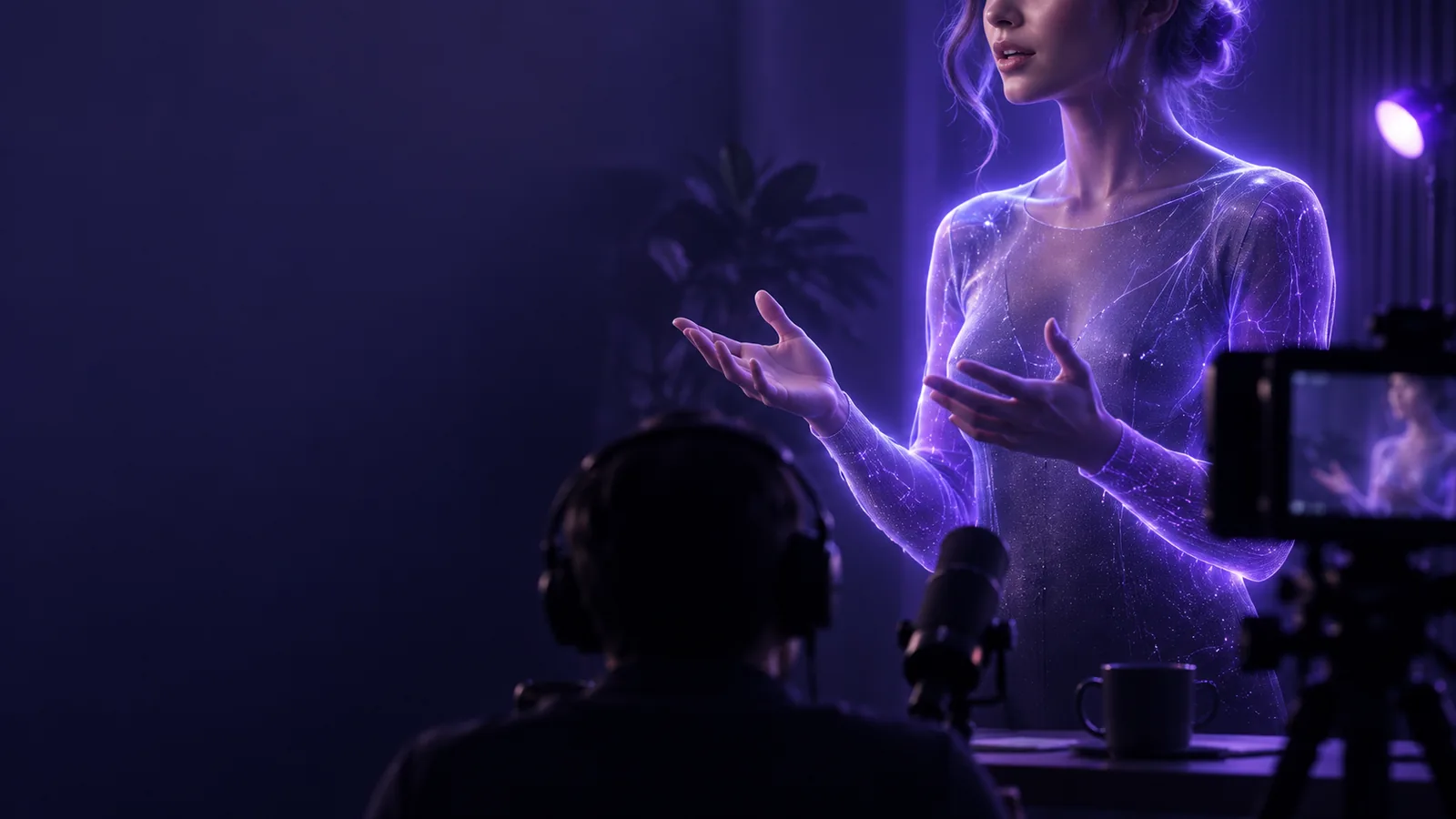
The starting point is a still portrait; the intended output is a short clip in which that person appears to speak.
A portrait establishes appearance, but it cannot supply the words, timing, or delivery. Decide how the person should sound before judging how the result looks.
Portrait input
Speech input
Portrait input
Provides the face and visual identity
Speech input
Provides the spoken message
Portrait input
A sharp image with a clear view of the mouth
Speech input
A brief, punctuated script or clear recording
Portrait input
Covered lips, heavy blur, or several faces
Speech input
Long sentences with no natural pauses
Portrait input
Facial detail and apparent head position
Speech input
Pacing, emphasis, and mouth movement
Portrait input
Use one front-facing portrait
Speech input
Use one short sentence
Portrait input
Check that the face remains recognizable
Speech input
Listen for clear words and plausible synchronization
Build one short test before attempting a longer presentation. These starting points keep the message, portrait, and audience in view.
A teacher has a portrait and a one-sentence introduction to a lesson.
Test whether the words are easy to follow before making the rest of the lesson. For a fuller recording workflow, use the linked guide.
how to make a talking head videoA creator wants a brief spoken opening from a still profile image.
Write the opening as a single thought, then check whether the face stays legible on a phone screen. The linked channel guide covers that format.
talking head for tiktokA presenter needs a consistent face for several short explanations.
Test one line first, then decide whether a reusable character fits better than separate portrait clips. Compare that approach in the linked guide.
talking head avatarFor a first image-to-video test, keep the face visible, the script short, and the requested motion restrained. Review both the sound and the mouth movement before using the clip. Only animate an image when you have the right to use the person's likeness.
Animate my portraitYou need a suitable portrait and words for the person to say, supplied as text or speech according to the tool you use. A clear view of the face and a short first script make the result easier to evaluate.
A single portrait can be the visual starting point for a speaking clip. The photo does not provide the voice or message, so you still need to specify what should be said.
Choose a sharp image with one prominent face and a visible mouth. A front-facing or near-front-facing portrait is a practical first test; avoid strong blur or objects covering the lips.
Availability and limits depend on the tool, so check its current terms before starting. Prepare your portrait and script first, then confirm the available output options in the tool you choose.
Use a photo only when you have permission to use both the image and the person's likeness. If the clip could be mistaken for a real recording, make its synthetic nature clear to viewers.