YouTube planning
Make a talking head for youtube viewers can follow
A talking head for youtube needs more than a face reading a script. Viewers need a clear point, audible speech, and a reason to keep watching after the opening sentence.
3 concrete workflows
Choose the workflow that matches the material you already have. Each ends with a reviewable video, not an automatic publishing decision.
-
1
Turn an outline into an explainer
Write one viewer question, a short answer, and three supporting points. Give each point a concrete example, then use the outline to draft a presenter script. For a YouTube explainer, read it aloud before generating or recording: sentences that look fine on a page can sound crowded on video.
-
2
Make a repeatable series
Keep the same opening promise, framing, and closing recap across episodes while changing the substance of each script. A talking head series benefits from recognizable structure, but repeating generic introductions can delay the answer viewers came for. Check every episode for a distinct takeaway.
-
3
Add a presenter to existing material
Start with a demonstration, slide, or screen recording and write only the narration needed to guide it. Place the presenter where they do not obscure important details. Watch the assembled YouTube video once without sound and once without looking at the screen to catch unclear visuals or narration.
Related channel workflows
The same presenter idea needs different pacing and framing when the destination changes. Use these guides when planning a version for another channel or looking for YouTube formats.
Example output
Imagine a short lighting explainer. The first version states the topic; the revised version gives viewers an immediate problem, a demonstration, and a useful conclusion.
- Topic-only opening
- Problem, demonstration, recap
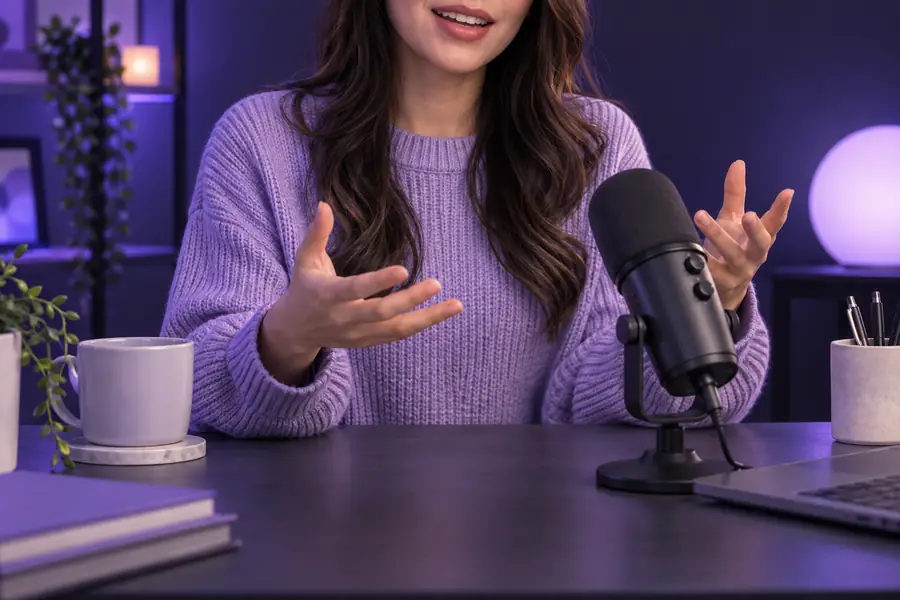
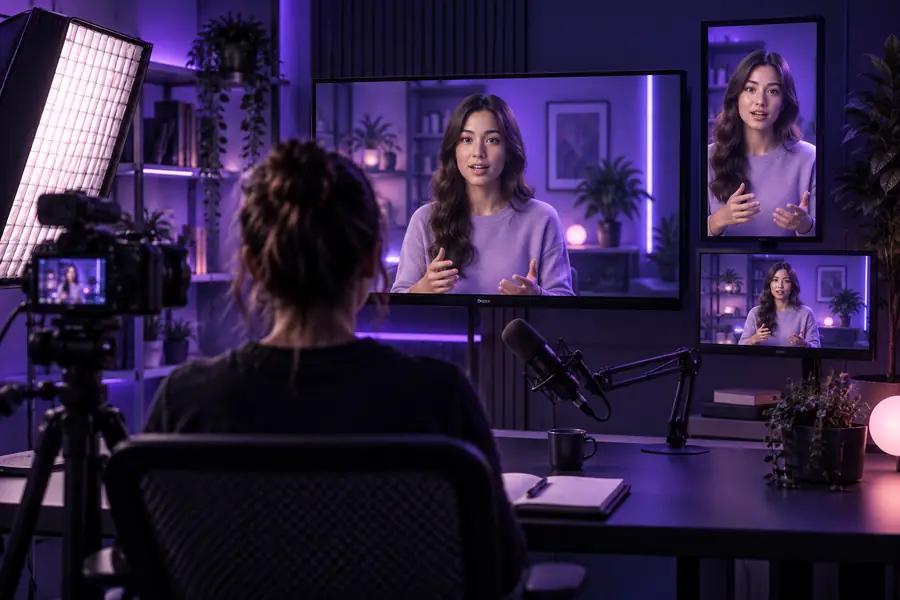
Illustrative comparison, not two frames from a verified edit. Example structure: open with the lighting problem, show three adjustments while naming each one, then recap what viewers can test today. The talking head introduces each change; a close-up or screen example supplies the proof.
Compliance notes
A generated presenter does not remove the need to check rights, accuracy, and platform requirements. These limits matter before a YouTube upload, especially when a video represents a real person or makes factual claims.
-
No automatic rights clearance
A talking head video cannot establish that you have permission to use a person's face, voice, music, footage, or brand marks.
WorkaroundUse material you control or have permission to use, and keep a record of the source.
-
No guarantee of factual accuracy
A fluent presenter can deliver an incorrect claim convincingly. This is especially risky in health, finance, and other consequential topics.
WorkaroundVerify claims against reliable sources and remove statements you cannot support.
-
No automatic disclosure decision
Whether altered or synthetic content needs disclosure depends on what the video depicts and the platform's current rules.
WorkaroundCheck YouTube's current upload guidance and make any required disclosure yourself.
-
No substitute for a final watch
Speech, captions, gestures, and cutaways can drift out of sync even when individual elements look acceptable.
WorkaroundReview the complete export on a phone and a larger screen before publishing.
Delivery checks
Use this comparison to decide what the presenter should carry and what supporting visuals must explain. Neither column is a promise about what an automated tool will produce.
Presenter-only draft
Presenter with supporting visuals
Opening
Presenter-only draft
States the subject
Presenter with supporting visuals
Names the viewer's problem and shows what will change
Main explanation
Presenter-only draft
Relies on spoken description
Presenter with supporting visuals
Pairs each claim with a relevant example or demonstration
On-screen text
Presenter-only draft
May repeat the narration
Presenter with supporting visuals
Highlights terms, steps, or results viewers need to remember
Visual variety
Presenter-only draft
Keeps one frame throughout
Presenter with supporting visuals
Changes the frame when the subject changes
Accessibility review
Presenter-only draft
Checks speech clarity
Presenter with supporting visuals
Checks speech, captions, and legibility together
Final review
Presenter-only draft
Watches for presenter errors
Presenter with supporting visuals
Also checks cutaway timing and whether visuals support the claims
Make the next video
Start with a useful answer, not a longer introduction
Draft a talking head for youtube around one question your viewers actually ask. Create a first version, then check its opening, examples, permissions, and final export before deciding whether it is ready to publish.
Create presenter video- Lead with the viewer's question
- Show evidence for the main points
- Review the complete video before upload
Scenario FAQ
A clear question and a useful answer matter more than constant movement. Keep the presenter focused on one point at a time, and add a demonstration or visual when it helps viewers understand a claim. Review the opening to make sure it earns attention without withholding the answer.
There is no universal length for a presenter-led video. Use enough time to answer the promised question and show the necessary examples, then cut repeated setup and tangents. A complex tutorial may need more room than a quick explanation.
An AI presenter can deliver a script, but you still need to check the voice, timing, claims, and visual consistency. Use only faces and voices you have the right to use. Check YouTube's current rules for disclosing altered or synthetic content before uploading.
Captions help people who cannot hear the audio clearly and make spoken details easier to follow. Review them rather than assuming automatic transcription caught names and technical terms. Keep any additional on-screen text readable on a phone.
Change the visual when the explanation calls for evidence: show the object, demonstrate the action, or display the result. A tighter edit can remove pauses, but unrelated cuts will not improve the lesson. Let each change in the frame serve a specific point.