Solo presenter
A direct introduction may feel less personal if a new graphic appears after every sentence.
Keep the speaker prominent and use motion only for the name or central point.
talking head video backgroundMotion-led video
A talking head video with animation adds movement around a speaking face: captions can appear on cue, graphics can illustrate a point, and the frame can change as the script progresses. Start with a brief message and decide which movements actually help someone understand it.

A general talking head keeps attention on the speaker; motion is useful when the viewer also needs to follow an example, a sequence, or changing on-screen text.
The distinction is purposeful motion, not simply having a speaker in the frame. These three choices give an animated talking head a job to do.
Bring a keyword, caption, or diagram into view as the speaker reaches that idea. A static talking head can say the same words, but cannot use a timed visual reveal to guide attention.
Move between stages, states, or locations while the narration explains what changed. Keep each transition tied to the script rather than adding movement between every sentence.
Use a restrained highlight, pointer, or frame shift to identify the detail being discussed. Leave enough quiet time for the viewer to read it before the next element appears.
Write what the speaker will say first, then mark only the lines that need a visual cue. This comparison helps you decide whether motion belongs in the clip at all.
General talking head
Animated talking head
General talking head
A clear script or recorded explanation
Animated talking head
A clear script plus notes for visual cues
General talking head
What should the speaker say?
Animated talking head
Which ideas need to appear as the speaker says them?
General talking head
Face, voice, and delivery
Animated talking head
Speaker and timed supporting visuals
General talking head
Optional captions or a consistent setting
Animated talking head
Short labels, icons, diagrams, or examples
General talking head
Are the speech and framing easy to follow?
Animated talking head
Do visual changes match the spoken point?
General talking head
A personal message needs no visual explanation
Animated talking head
The message includes steps, comparisons, or changing details
Illustrative comparison, not a guaranteed output. Preview your clip to check that captions remain readable and each movement supports the spoken line.
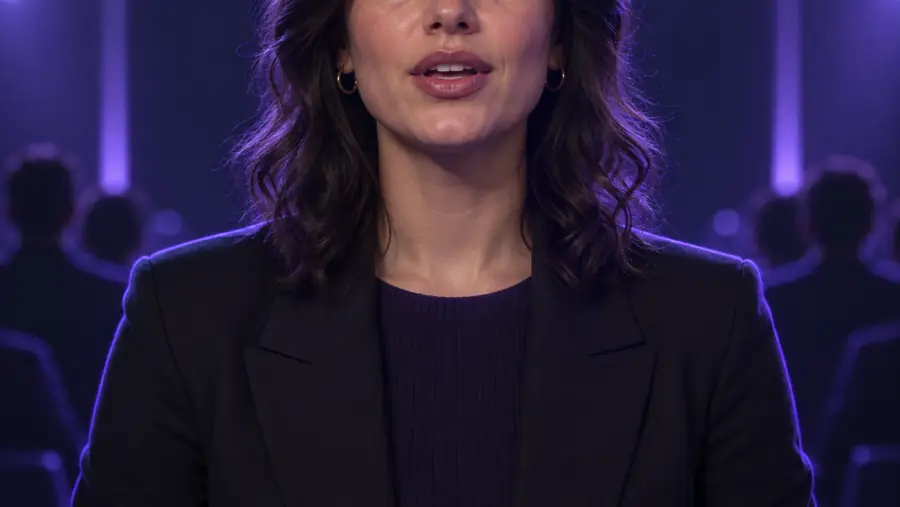

Motion cannot rescue an unclear script or make a crowded frame easier to read. Match the amount of animation to the message and the viewing context.
A direct introduction may feel less personal if a new graphic appears after every sentence.
Keep the speaker prominent and use motion only for the name or central point.
talking head video backgroundA lesson with several steps needs visuals that arrive in the order they are explained.
Use a steady layout across lessons, then reveal one item at a time.
talking head video templateSmall text and rapid movement may be hard to follow on a phone.
Favor brief labels, clear contrast, and pauses long enough to read.
talking head for tiktokA long explanation can become cluttered when every claim has its own graphic.
Choose the few points that benefit from demonstration and let the rest rely on the voice.
talking head for youtubeGive your talking head a short script and identify one moment where animation makes the meaning clearer. Watch the result from beginning to end before sharing: if a graphic competes with the speaker or covers essential text, simplify it.
Create animated clipIt is a speaker-led video that also uses moving visual elements, such as timed captions, icons, or diagrams. The speaker remains the main guide; the animation supports particular ideas rather than replacing the explanation.
No. The movement can be in the supporting graphics, text, or framing while the presenter speaks. What matters is that those changes occur at useful moments in the message.
Pick the idea that is hardest to understand through speech alone, such as a sequence or a comparison. Give it one clear visual cue, then preview whether the timing matches the narration.
Yes. Frequent transitions can pull attention away from the speaker, and moving text may disappear before it can be read. Remove effects that do not explain, emphasize, or organize something specific.
It can be, especially when a brief label or visual example makes the point immediately clear. Keep text concise and check the clip at phone size so the speaker and graphics remain legible.