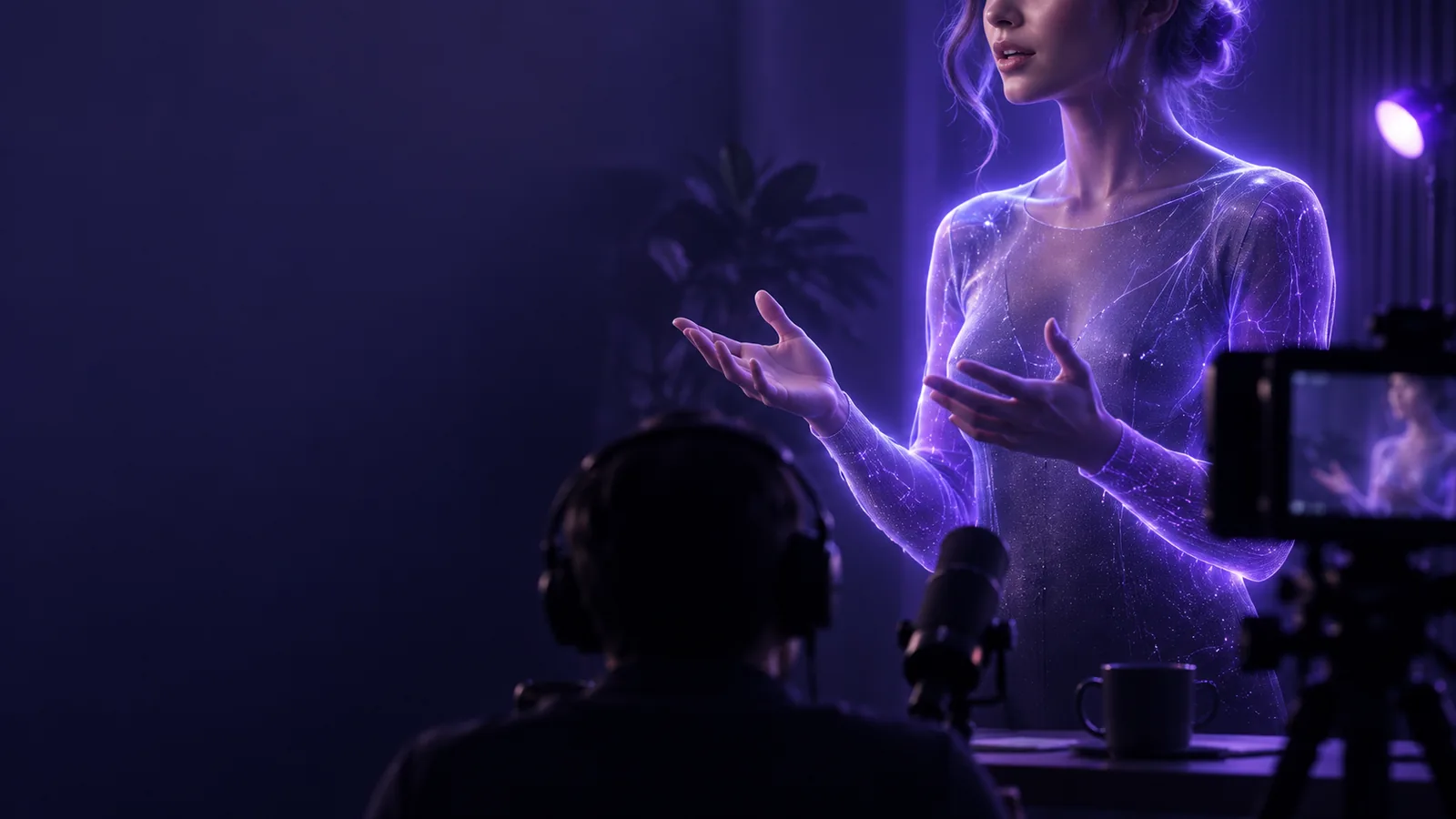
Talking Head

TikTok ideas

Find talking head examples tiktok viewers will follow

These talking head examples tiktok creators can adapt start with a question, show a person answering it, and end with a clear next thought. Use the formats below to plan a short that feels specific rather than scripted for everyone.

Talking Head video preview

Most creators already have an idea, a phone and an editing routine. The useful question is which part of that routine needs a clearer on-camera explanation.

Formats creators already film

Choose a scenario your audience recognizes before choosing an effect. A good talking head short makes its point even when someone watches without sound.

Teacher

Open with a common mistake, then correct it using one concrete example on screen. Keep the spoken explanation narrow enough to fit one short.

A useful answer viewers can understand without waiting for a long introduction.

talking head for tiktok
Small-business owner

Answer the question customers repeatedly ask about how a product works. Cut to the product while the explanation continues.

A demonstration that connects the speaker's claim to something visible.

talking head video template

Designer

Show an awkward first draft, explain one decision, then reveal the revised version. Let the visual change carry the payoff.

A before-and-after story with a reason behind the improvement.

talking head video background

Subject-matter expert

Record a brief answer to a misconception, then save the deeper explanation for a separate, longer video.

A focused TikTok that can introduce a more detailed discussion elsewhere.

talking head examples youtube

where we slot in

Talking Head can help turn a prepared explanation into a presenter-led video. The idea, factual checks and final edit still belong to the creator.

  1. 1

    Pick one viewer question

    Write the question in the words your audience uses. Draft an answer with one claim and one example; save unrelated points for another short.

  2. 2

    Prepare the presenter segment

    Use your script or narration to make a talking head segment. Speak plainly, leave room for captions and avoid writing lines that require an unseen chart to make sense.

  3. 3

    Edit for the feed

    Check the opening seconds, add readable captions and place supporting visuals at the moment they are mentioned. Watch the finished TikTok with sound off before sharing it.

before/after

This is an editing comparison, not a promise that generation alone will produce a finished post. Both columns begin with the same useful answer.

1

Opening

Unedited explanation

The speaker introduces the topic before reaching the question.

Prepared TikTok short

The first line states the viewer's question or the mistake being corrected.

2

Scope

Unedited explanation

Several related points compete for attention.

Prepared TikTok short

One point is explained and supported with one example.

3

Frame

Unedited explanation

The face is visible, but text may crowd the edges.

Prepared TikTok short

The speaker and captions have room within the vertical composition.

4

Evidence

Unedited explanation

The audience must take the spoken claim on trust.

Prepared TikTok short

A cutaway, object or screen detail appears when the claim needs support.

5

Captions

Unedited explanation

Auto-generated text has not been checked.

Prepared TikTok short

Names, terminology and timing are reviewed by the creator.

6

Ending

Unedited explanation

The recording stops when the speaker runs out of points.

Prepared TikTok short

A brief conclusion repeats the answer without adding a new topic.

See the edit side by side

  • Starting point
  • Short-form direction

These visuals illustrate a planning contrast, not two frames from the same finished video. Check your own footage for caption space, legibility and a clear visual payoff.

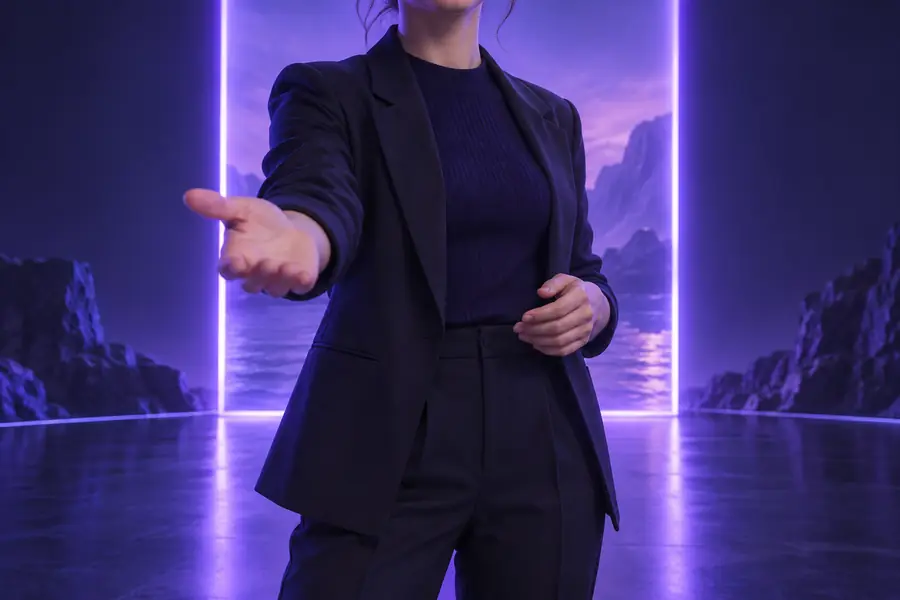
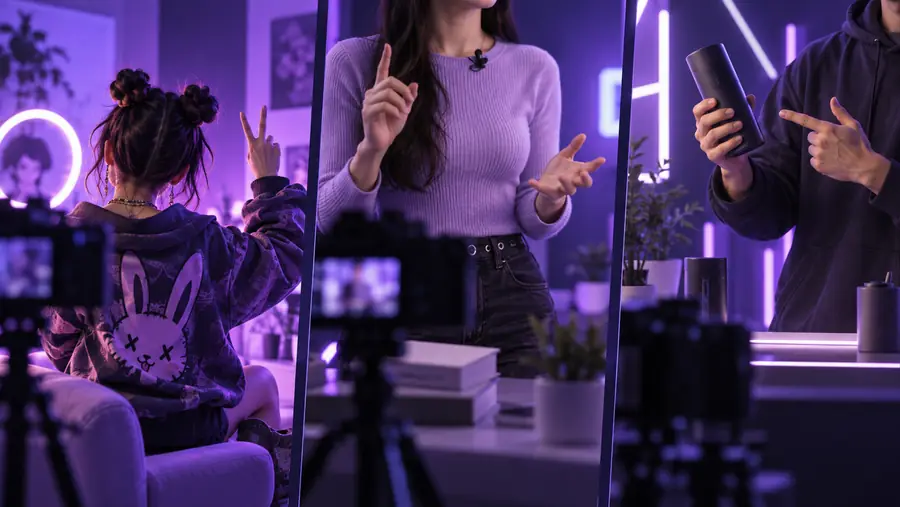
Example presenter visual used to illustrate a starting point
TikTok talking head example visual used to illustrate an edited direction

deliverable spec

The deliverable is a reviewable short, not a guarantee of reach. Check these limits before treating any talking head example as a finished publishing recipe.

  • An example cannot validate a claim

    A convincing presenter can still repeat an inaccurate statistic, medical assertion or product promise.

    WorkaroundVerify important claims against a reliable source before recording or generating the segment.

  • A face alone may not explain the point

    If the answer depends on an interface, object or visible change, a continuous speaker shot can leave viewers guessing.

    WorkaroundAdd a relevant cutaway and keep the spoken line synchronized with what appears.

  • Captions need human review

    Automatic captions can miss names, technical terms and sentence breaks, especially in a fast TikTok edit.

    WorkaroundRead the captions on a phone-sized preview and correct them before posting.

  • No format guarantees performance

    A strong hook cannot ensure views or engagement; audience fit and the actual answer matter more than copying a popular structure.

    WorkaroundTest distinct questions from your own audience and compare what viewers respond to.

Make your next short

Start with an answer worth hearing

Choose one question, write the clearest answer you can, and create a talking head segment you can review and edit for TikTok. Keep the final version specific to your audience rather than copying an example word for word.

Create a short
  • One question per video
  • A visible example when needed
  • Captions checked before posting

scenario FAQ

A quick answer to a recurring question, a myth corrected with evidence, and a before-and-after explanation are useful starting points. Each gives the speaker a clear purpose and the viewer a reason to stay for the answer.

Borrow the structure, not another creator's wording or claims. Replace the topic with a real audience question, write your own example, and edit the result around what viewers need to see.

Not always. A direct answer can work with a clear speaker and readable captions, but a product detail, screen recording or before-and-after image helps when the point depends on visual proof.

An AI presenter can be an option when you have a prepared script and do not want to appear on camera. You still need to review the wording, delivery, captions and any claims before publishing.

Start creating
Start creating