Portrait to video
Create a talking head avatar from a portrait
A talking head avatar turns a still face into a speaking video. Start with a clear, front-facing image and a short script, then review the result for natural mouth movement and a recognizable likeness.
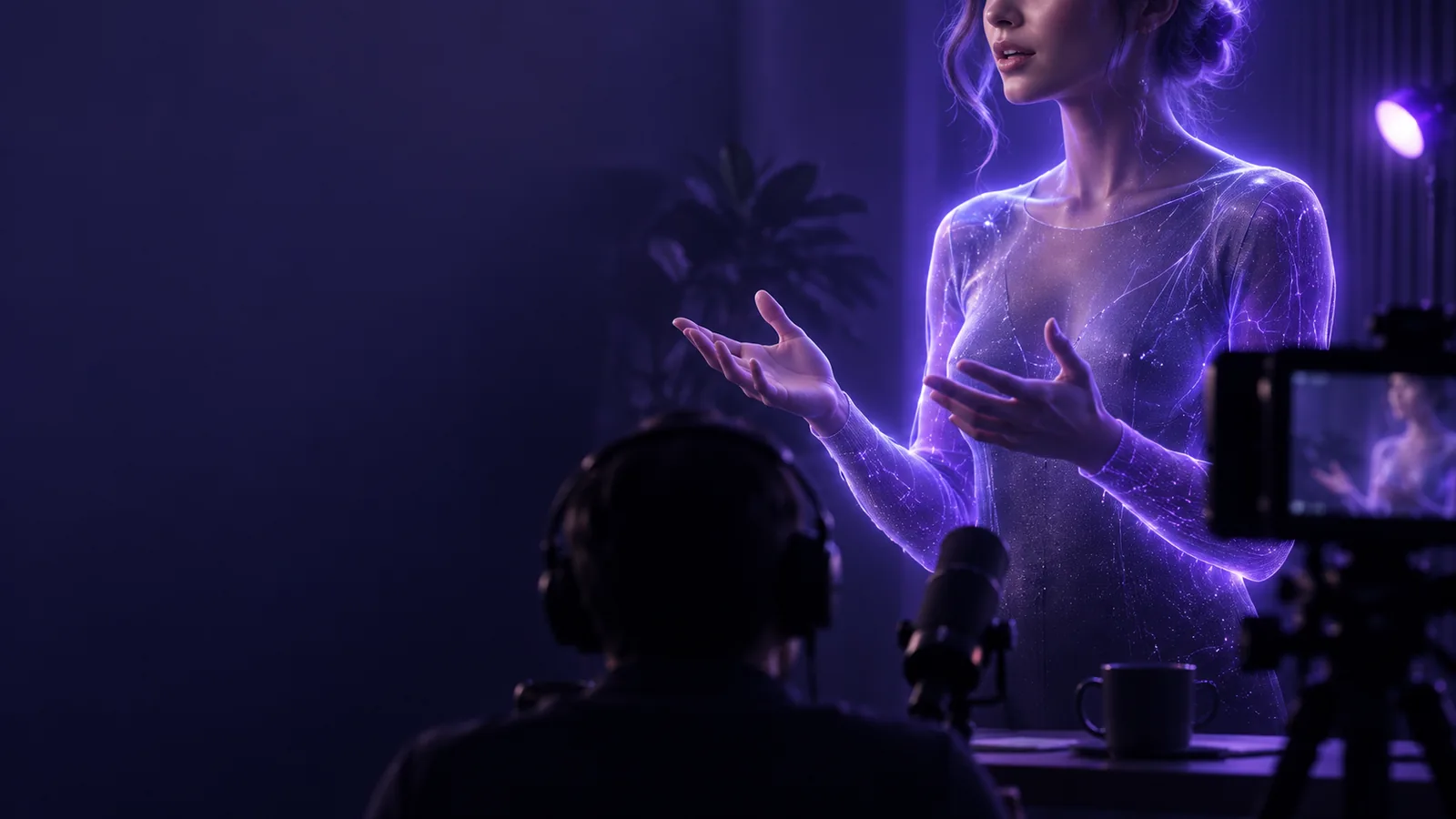
The input portrait and script matter more than elaborate instructions. Gather both before you begin.
One full run-through
For a first attempt, make one short greeting rather than a long presentation. That makes timing, pronunciation, and facial movement easier to check.
-
1
Prepare the portrait
Pick a sharp, front-facing photo with the full face visible. Crop out distracting surroundings, but leave enough space around the head that movement does not feel cramped.
-
2
Write the spoken line
Draft one or two sentences in the language you want the avatar to speak. Read them aloud and replace awkward names or abbreviations with wording that is easy to pronounce.
-
3
Generate and inspect
Submit the portrait and words, then watch the entire clip with sound. Check whether the mouth follows the audio, the face stays recognizable, and the final pause feels complete.
Options table
A photo-based avatar preserves a chosen face; a generic generated speaker is better when no specific person needs to appear. Neither option replaces reviewing the finished video.
Your portrait
Generated speaker
Starting input
Your portrait
A photo you provide and have permission to use
Generated speaker
A described or selected character
Identity
Your portrait
Aims to resemble the person in the image
Generated speaker
Does not need to resemble a real person
Best fit
Your portrait
Personal introductions and messages from a known presenter
Generated speaker
Explainers that do not require a particular presenter
Preparation
Your portrait
Check lighting, crop, face visibility, and image rights
Generated speaker
Choose an appropriate appearance and presentation style
Main risk
Your portrait
Distortion of recognizable facial features
Generated speaker
A speaker who feels too generic for the message
Final review
Your portrait
Check likeness, lip movement, and consent
Generated speaker
Check character consistency, speech, and suitability
What fails
A talking head clip can communicate a script, but it cannot repair every weak input or guarantee a convincing performance.
-
A hidden or angled mouth
A hand, microphone, heavy shadow, or extreme profile leaves too little facial detail for reliable lip movement.
WorkaroundUse a brighter, more front-facing portrait with the mouth unobstructed.
-
Unnatural pacing
A long sentence with no natural breaks can sound rushed even when every word is spoken correctly.
WorkaroundSplit the script into shorter sentences and add punctuation where the speaker should pause.
-
Guaranteed likeness
Animation may alter small features or expressions. A recognizable starting photo does not guarantee that every frame will look like the person.
WorkaroundWatch the full result and try a different source image if the face drifts.
-
Permission by default
Having access to someone's photo does not mean you have consent to make a video that appears to speak for them.
WorkaroundUse your own image or obtain clear permission before creating or sharing the clip.
Try a short portrait message
Give your portrait one clear line to say
Start with a well-lit image and a brief script. Generate a draft, then check the face, voice, and wording before you share it.
Animate my portrait- Use a photo you have permission to animate
- Keep the first script short
- Review the complete video with sound
Talking head avatar FAQ
It is a video presenter whose face appears to speak on screen. It may be animated from a supplied portrait or created as a generated character.
A clear photo of your face is a suitable starting point for a portrait-based workflow. Use an image with even lighting and a visible mouth, then review the video for likeness and lip synchronization.
That depends on the workflow you choose. Some workflows use written text to produce speech, while others use supplied audio; check the available input options before preparing your script.
An obscured face, difficult pronunciation, or rapid speech can make the movement look less convincing. Try a clearer portrait and shorter, more naturally punctuated lines, then watch the new result from beginning to end.
Only use a person's likeness when you have permission to do so. Be especially careful with videos that could imply the person said or endorsed something they did not.