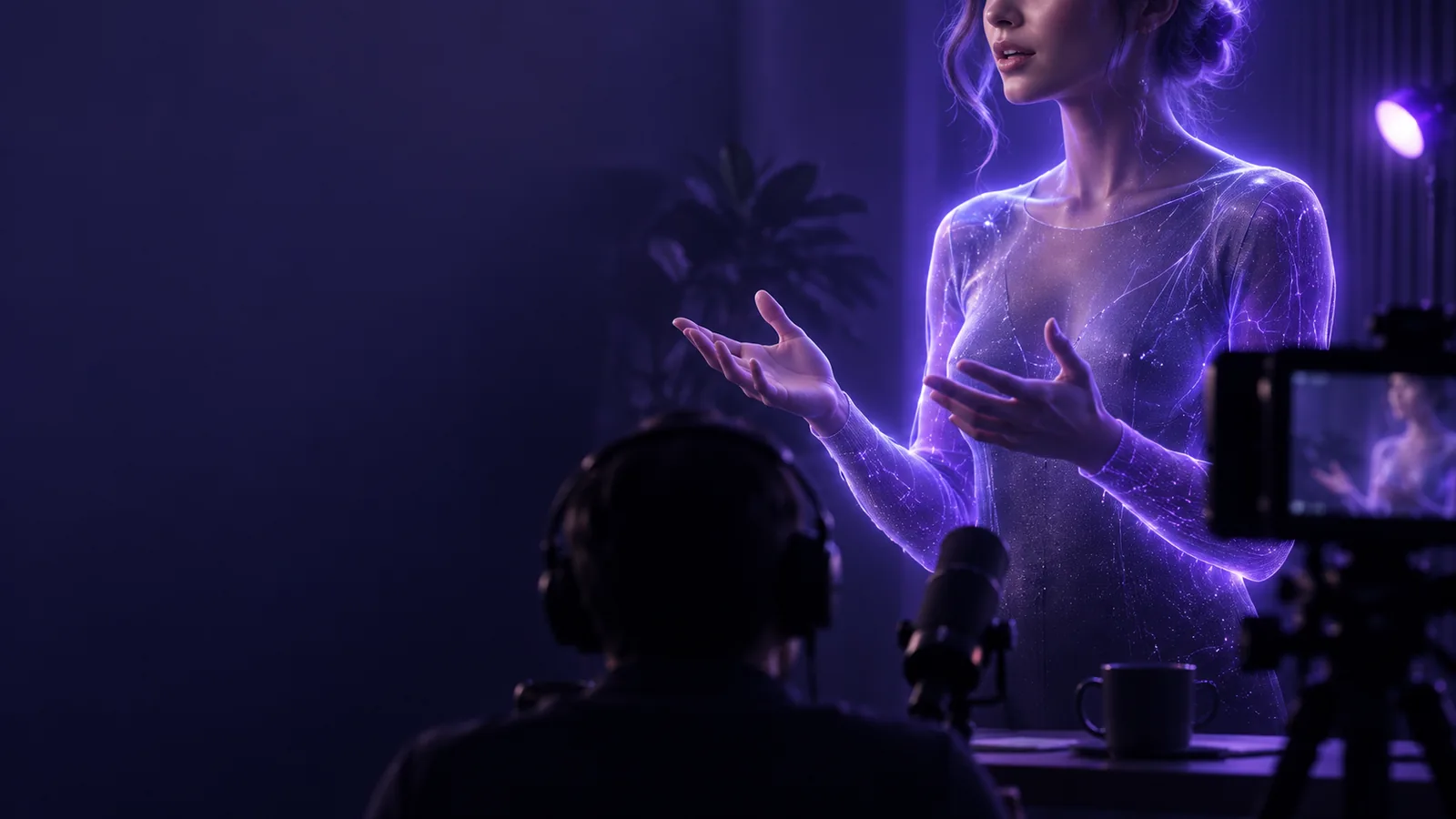
Talking Head

Short-form video

Make a talking head for tiktok that feels native to your feed

A talking head for tiktok works best when the first line gives viewers a reason to stay. Start with one useful point, speak directly to the camera and leave room in the frame for captions and TikTok controls.

Talking Head video creation preview

Most short-form creators already have an idea, a phone and a place to edit. The useful question is where a direct-to-camera clip saves work.

where we slot in

Use Talking Head to develop the presenter-led portion of a short video, then make the final platform-specific edits in your usual workflow.

  1. 1

    Write the spoken point

    Choose one question your viewer might ask and answer it in plain language. Put the payoff near the beginning rather than opening with your name or a long introduction. Read the script aloud before you make the clip; sentences that look short on a page can still sound crowded.

  2. 2

    Shape the presenter clip

    Create a talking head segment with a face, voice and message that suit the subject. Keep the composition vertical-friendly and avoid placing important facial details or gestures at the frame edges. If you use a generated presenter, review how names, numbers and pauses sound rather than assuming the first take is final.

  3. 3

    Finish for the feed

    Take the clip into your editor to trim pauses, add accurate captions and place supporting footage only where it makes a point clearer. Preview the result on a phone with the interface visible. The opening should make sense without sound, while the audio should still reward someone who turns it on.

before/after

This is a workflow comparison, not a promise that a video will perform better. The after column shows what to prepare before a TikTok-ready export.

1

Opening

Unplanned camera take

Begins with a greeting before the topic appears.

Prepared presenter clip

States the viewer's question or the useful result first.

2

Message

Unplanned camera take

Tries to cover several loosely related ideas.

Prepared presenter clip

Develops one point with a concise explanation or example.

3

Framing

Unplanned camera take

Subject and key details may sit under interface elements.

Prepared presenter clip

Face and essential information stay clear of likely overlays.

4

Pacing

Unplanned camera take

Hesitations and repeated starts remain in the cut.

Prepared presenter clip

Pauses are trimmed while the speech still sounds natural.

5

Captions

Unplanned camera take

Added late, with errors or lines that obscure the face.

Prepared presenter clip

Checked against the spoken words and placed for readability.

6

Supporting visuals

Unplanned camera take

Inserted because the frame feels static.

Prepared presenter clip

Used when a visual proves, locates or clarifies a claim.

7

Final review

Unplanned camera take

Judged in a large editing preview.

Prepared presenter clip

Watched on a phone before posting, with and without sound.

deliverable spec

Aim for a vertical, caption-ready clip that communicates one idea. These scenarios show what the speaker needs to deliver and where to look when another channel calls for a different cut.

Solo educator

Answer a recurring beginner question with a direct opening, a brief explanation and one concrete example. Check that any on-screen term is understandable before the viewer hears the full answer.

A self-contained teaching clip with speech that captions can follow without covering the speaker's face.

talking head for youtube

Small business owner

Explain a common customer misconception in your own voice. Show the product or process only when seeing it helps establish the point; do not turn the opening into a list of features.

A clear presenter-led answer that can be reviewed for factual accuracy before it goes live.

how to do a talking head video on instagram

Creator testing hooks

Keep the main explanation consistent while trying different first lines. Compare whether each opening accurately sets up the same answer, rather than making a claim the rest of the clip cannot support.

Distinct openings and a consistent core message, ready for separate edits and review.

talking head examples tiktok

Remote subject expert

Record or prepare an explanation when a full camera setup is impractical. Give unfamiliar names and specialist terms extra attention during the audio and caption review.

A focused speaker segment that an editor can pair with diagrams or footage where those additions genuinely help.

how to make a talking head video

Turn one clear point into a short-form clip

Bring a question your audience actually asks, draft the answer as you would say it and create a presenter segment with Talking Head. Before publishing, check the words, captions, crop and opening on the device where people will watch. Keep the final editorial decision yours: a useful answer matters more than a busy edit.

Create a video
  • Lead with the answer, not a lengthy introduction
  • Keep captions legible and away from key visuals
  • Review the finished cut on a phone

scenario FAQ

It is a video built around a person speaking to the viewer, usually to explain, react or tell a story. It can include captions and cutaways; the defining feature is that the speaker carries the message rather than acting as background narration.

Start with a specific question or claim, then cut anything that delays the answer. A change of shot, a close-up or a supporting visual can help when it clarifies the point, but constant movement is not necessary. Clear speech and readable captions do more work than decorative effects.

Vertical framing is the practical starting point for a video intended primarily for the TikTok feed. Leave space around the speaker so captions and platform controls do not obscure important details. Check the composition in a phone-sized preview before posting.

Captions help viewers follow speech when sound is off or difficult to hear. Review them against the actual audio, especially names, numbers and technical terms. Place them where they remain readable without hiding the speaker's expression.

An AI presenter can be useful when you have a prepared script but cannot film a take. Listen for awkward pronunciation and check that the voice and visuals do not imply a real person endorsed a message they did not give. The script still needs a clear hook and a truthful, useful answer.

Start creating
Start creating