Browser-based video
Make a talking head online free from your video idea
Use Talking Head to plan a short face-on clip without setting up a camera first. Describe what the speaker should say, then review the available creation options before committing to a longer video.
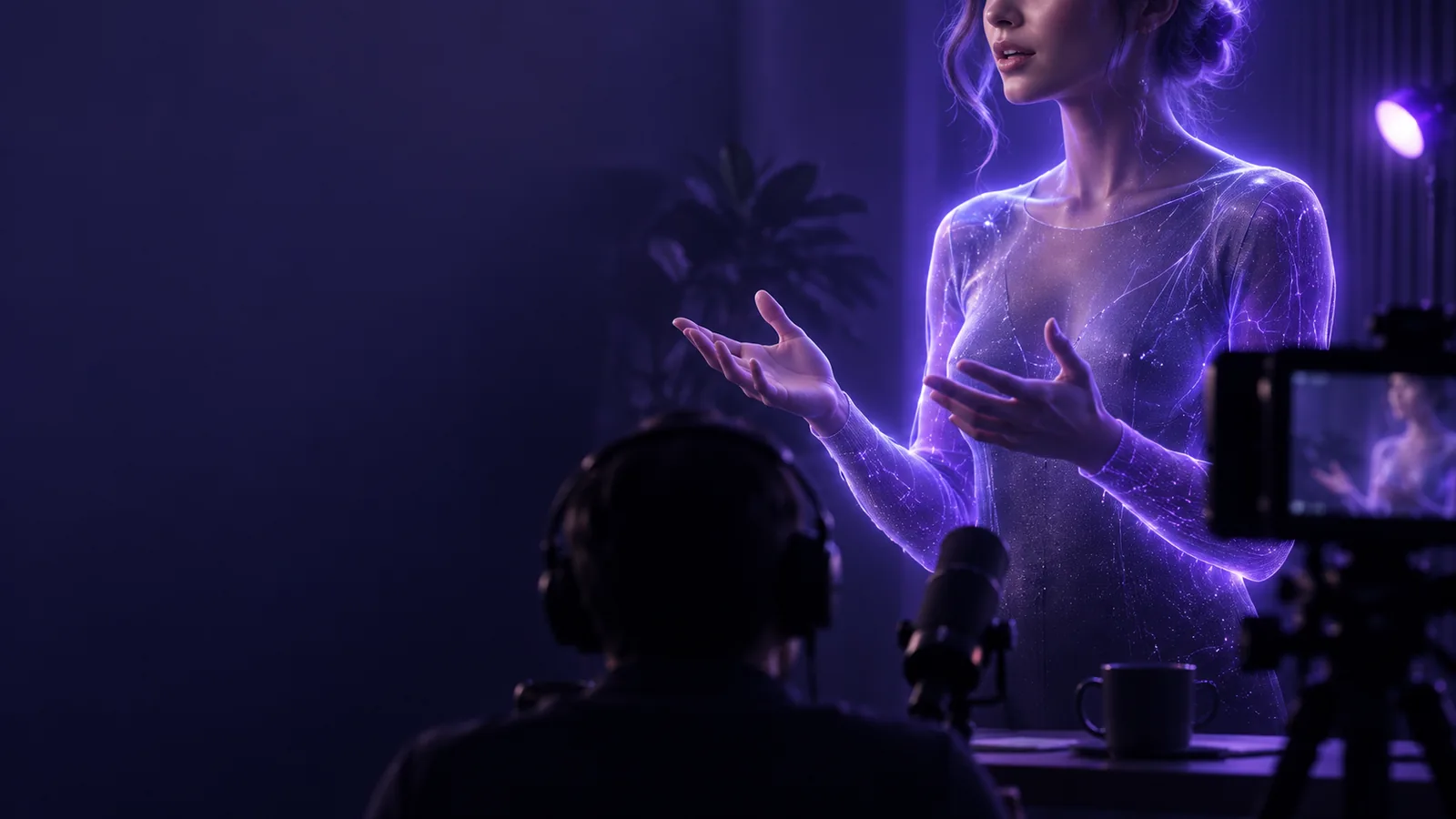
Choose your route
One idea, a practical starting point
A browser workflow is useful when you have a message but no recorded footage. Decide whether you need a generated speaker, a photo brought to life, or a conventional video edit.
How it works
Three parts of a browser-based talking-head workflow
Think of the process as message, speaker, then review. Each part affects whether the result feels like a coherent video rather than a face reading unrelated lines.
-
1
Write for speech
Draft one short point in conversational language. Read it aloud and remove long sentences, unexplained abbreviations, and instructions that should appear on screen instead of being spoken.
-
2
Choose the visual approach
Use a suitable presenter option or an image you have permission to use, depending on what the tool offers. Keep the face visible and leave enough space around it for the intended crop.
-
3
Review the result
Check pronunciation, mouth movement, pacing, and the final frame before sharing. If a phrase sounds unnatural, revise the script and test that passage again rather than lengthening the clip.
Workflow choice
Step-by-step decisions: online creation or camera recording
Both approaches can produce a face-on explanation. The better choice depends on whether you already have footage and how much control the speaker needs.
Browser-based creation
Camera recording
Starting material
Browser-based creation
A script or video brief, plus a speaker option or usable image where supported.
Camera recording
A person, camera, microphone, and a place to record.
Speaker performance
Browser-based creation
Review the generated delivery and revise the input if it misses the tone.
Camera recording
Direct the delivery while filming and choose from recorded takes.
Voice corrections
Browser-based creation
Edit the wording and check the new output for pronunciation.
Camera recording
Record the corrected line or make an audio edit.
Visual continuity
Browser-based creation
Keep the chosen image, framing, and style consistent across attempts.
Camera recording
Match lighting, position, and clothing across takes.
Personal presence
Browser-based creation
Useful when you do not need to appear on camera yourself.
Camera recording
Best when the real presenter’s expressions are central to the message.
Final check
Browser-based creation
Inspect speech, facial motion, captions if available, and export options.
Camera recording
Inspect focus, sound, cuts, captions, and export settings.
Visual planning
From a source image to a speaking-frame concept
A clear, front-facing source gives you more to evaluate than a heavily cropped or obscured face. Treat a preview as a draft, not proof that every line will animate equally well.
- Source-image concept
- Speaking-frame concept
These are illustrative images, not a verified before-and-after conversion or a promise of a particular output.


Know the edges
Limits and edges of making a talking head online
An online starting point reduces setup, but it does not remove the need to check rights, delivery, and the actual output options shown by the tool.
-
Free does not define every export
Access and export conditions can differ. Do not assume a particular resolution, duration, watermark policy, or file format without checking the current tool interface.
WorkaroundConfirm the available output settings before writing a script that depends on a specific delivery format.
-
A generated face is not a real endorsement
Do not make a person appear to say something they did not agree to, even when you have a clear photograph of them.
WorkaroundUse your own image, a permitted asset, or an appropriately disclosed fictional presenter.
-
Speech may need another pass
Names, acronyms, and unusual phrasing can sound wrong, and facial motion may not suit every close-up.
WorkaroundSpell out difficult terms, shorten the line, and inspect the preview with sound on.
-
The browser cannot replace editorial judgment
A technically complete clip can still bury its main point or feel too long for its intended audience.
WorkaroundLead with the takeaway, keep one message per clip, and ask someone else whether the meaning is clear.
Ready to try
Turn a short message into a video draft
Start with the line you want spoken
Write a brief, natural script, choose a speaker approach you are entitled to use, and inspect the result before sharing it. A small first draft makes pronunciation and framing easier to fix.
Create talking video- Begin with one clear takeaway
- Check the available output options
- Review speech and facial motion
Common questions
FAQ about free online talking-head creation
A browser-based workflow may let you start from text and a presenter option or permitted image instead of recording yourself. Check the tool’s current creation and export options, since free access does not by itself specify what kind of finished file is available.
A short spoken script and a clear idea of who the clip is for are enough to plan a first attempt. If you intend to use a person’s photo or voice, obtain permission and check that the tool supports your chosen input.
That depends on the wording, voice, and generated delivery. Conversational sentences tend to be easier to assess than dense paragraphs; always listen to the result and revise any awkward names or pauses.
Only use an image when you have the necessary rights and the person’s consent for that use. If consent is uncertain, choose your own image or another properly permitted visual instead.
It can be a convenient starting point when you lack footage or want to test a script quickly. Recording is often preferable when your own expressions, personal credibility, or precise performance are essential to the message.