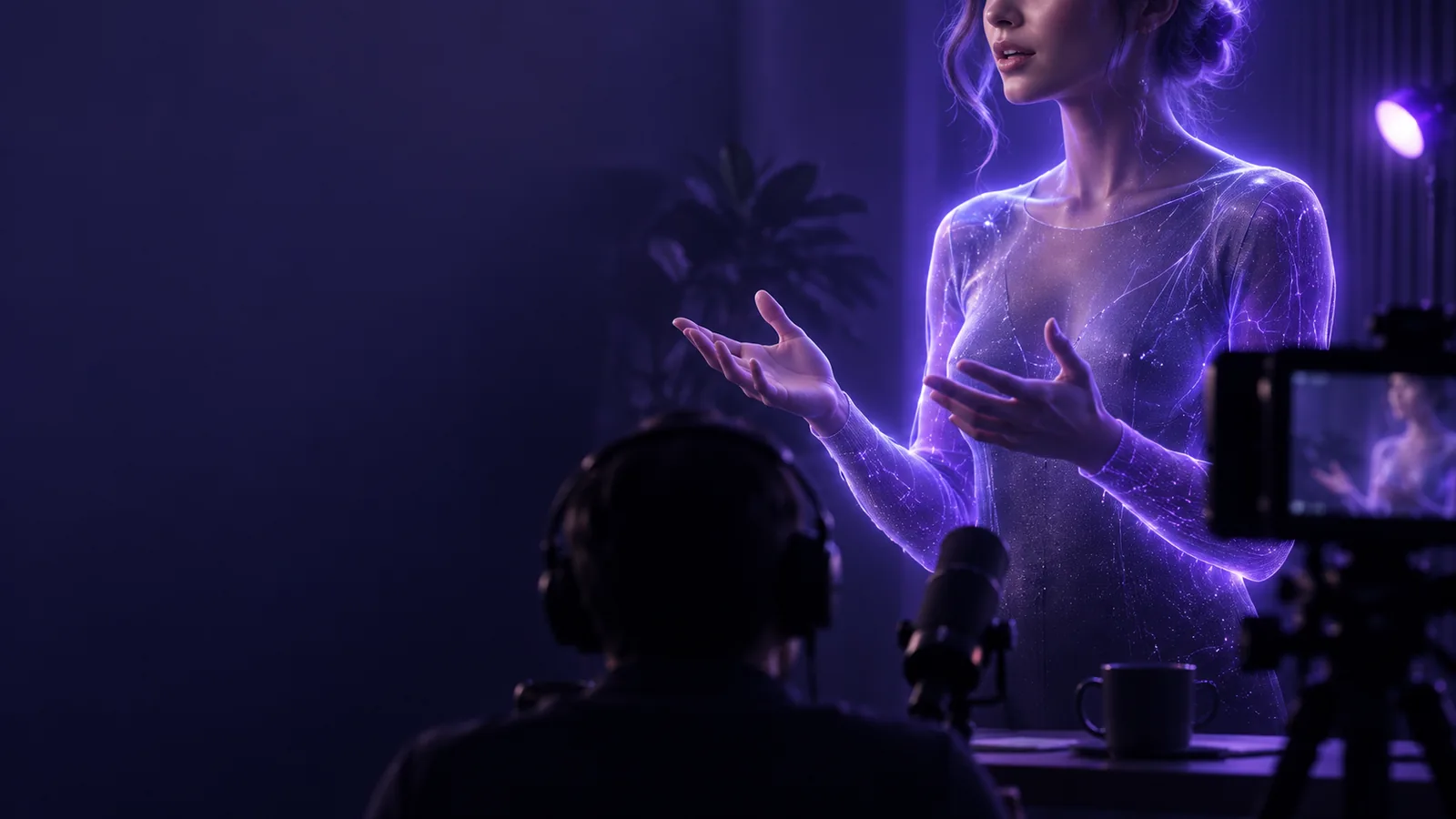
Talking Head

Presenter video

Make a free talking head video from your message

A free talking head video can turn a brief script into a face-to-camera explanation. Start with what the speaker needs to say, then decide whether to film yourself or use a portrait-based video tool.

Check output options before sharing
Talking Head presenter video preview

Ways to use it

Put a face to the right kind of message

A talking head works best when one person can explain one idea directly. These starting points call for different scripts, framing, and finishing touches.

Solo educator

Explain one concept in a short lesson rather than fitting an entire course into one clip.

A focused talking head introduction gives viewers a reason to keep watching; follow it with examples or a screen recording when the idea needs a demonstration.

talking head for youtube

Small-team spokesperson

Deliver a brief update when there is no opportunity to set up lights and record a speaker.

A portrait-led draft can communicate the main point, but review names, dates, and the apparent speaker's consent before publishing.

free talking head online

Social video maker

Introduce a tip in the opening seconds of a vertical clip.

A concise talking head hook leaves room for captions and a supporting visual instead of asking a long monologue to carry the whole post.

talking head for tiktok

Script-first creator

Test whether written narration sounds natural before committing to a recording.

A short generated draft helps reveal awkward phrasing; revise the script and check the voice and lip movement before using the result.

ai talking head video generator free

Simple workflow

Go from a short script to a reviewable clip

Keep the first pass small. A single point is easier to script, generate, and assess than several topics crowded into one talking head video.

  1. 1

    Write for speech

    Draft an opening that names the viewer's question, two or three plain-language points, and a closing sentence. Read it aloud and cut wording you would not naturally say.

  2. 2

    Choose the speaker

    Record yourself if personal presence matters. For a portrait-based draft, use an image you have permission to animate and check that the face is clear and unobstructed.

  3. 3

    Review before sharing

    Watch the full talking head clip for pronunciation, timing, mouth movement, and factual accuracy. Add captions where useful, then verify the available export options.

Related approaches

The route changes depending on whether you already have a speaker, a still image, or footage to edit. Choose the closest match before spending time polishing a script.

Starting materials

Compare a filmed take with a portrait-based draft

Both can produce a talking head video, but they solve different production problems. Decide which trade-offs matter before choosing how to make the clip.

1

Starting material

Film yourself

A camera, microphone, and someone willing to speak on screen.

Animate a permitted portrait

A suitable still image and a script or narration.

2

Performance

Film yourself

The speaker controls emphasis, expression, pauses, and gestures during the take.

Animate a permitted portrait

The result depends on the image, narration, and tool's animation.

3

Retakes

Film yourself

Record another take to change delivery or wording.

Animate a permitted portrait

Revise the input and generate another draft; output may differ between attempts.

4

Personal presence

Film yourself

Viewers see the person who actually delivered the words.

Animate a permitted portrait

The visible face may not have performed the narration.

5

Typical checks

Film yourself

Listen for room noise and look for framing or lighting problems.

Animate a permitted portrait

Inspect pronunciation, lip movement, and facial artifacts.

6

Useful next edit

Film yourself

Trim pauses and add supporting shots or captions.

Animate a permitted portrait

Add context or captions, and disclose synthetic presentation when appropriate.

Before publishing

Know the limits of a free first draft

A talking head draft is not a substitute for checking the final video. Availability and output controls can also vary by the tool you use.

  • It cannot guarantee a usable export

    A free route may restrict length, resolution, downloads, or output features. This page does not establish the limits of the tool reached through the action button.

    WorkaroundCheck the tool's current export terms before investing in a long script, and test with a short sample.

  • It cannot verify your claims

    A convincing speaker can still deliver an incorrect date, instruction, or product statement. Visual polish does not make a script reliable.

    WorkaroundFact-check the script against your source material and watch the rendered clip with captions on.

  • It cannot grant permission to use a face

    Having a photo does not necessarily mean you may animate its subject or present them as saying something they never said.

    WorkaroundUse your own image or get clear permission, and avoid implying a real person endorsed the message.

  • It cannot replace every human performance

    A generated talking head may struggle with subtle emotion, unusual names, or the spontaneity of a real demonstration.

    WorkaroundFilm the speaker when those qualities are central, or use the generated clip only as a planning draft.

Start with one clear sentence

Draft a free talking head video around one viewer question, then inspect the result before you share it. A short test makes it easier to judge the voice, face, and message without committing to a long edit.

Create presenter clip
  • Keep the script conversational
  • Use a face you may show
  • Review the complete output

Questions about making a free presenter clip

These answers cover the practical questions behind a free talking head video, including what to prepare and what to check before sharing.

Yes, a portrait-based video workflow can create the appearance of a person speaking from a still image and narration. Use an image you are allowed to animate, and inspect the finished clip for unnatural movement or misleading presentation.

Begin with a short script that makes one point clearly. If you are filming, prepare a camera and a quiet place; if you are using a portrait-based tool, prepare a suitable image and check its input requirements.

That depends on the tool and its current output rules. Check export availability, length, resolution, and any visible marks before relying on the clip for a project.

Write short sentences, use words you would say aloud, and add pauses where a person would breathe. Listen to the result from start to finish, then rewrite lines with awkward timing or pronunciation.

Do not assume that access to a photo gives you permission to animate its subject. Get the person's consent where needed, and do not portray them as making a statement or endorsement they did not make.

Start creating
Start creating