Format guide
The talking head video meaning, explained plainly
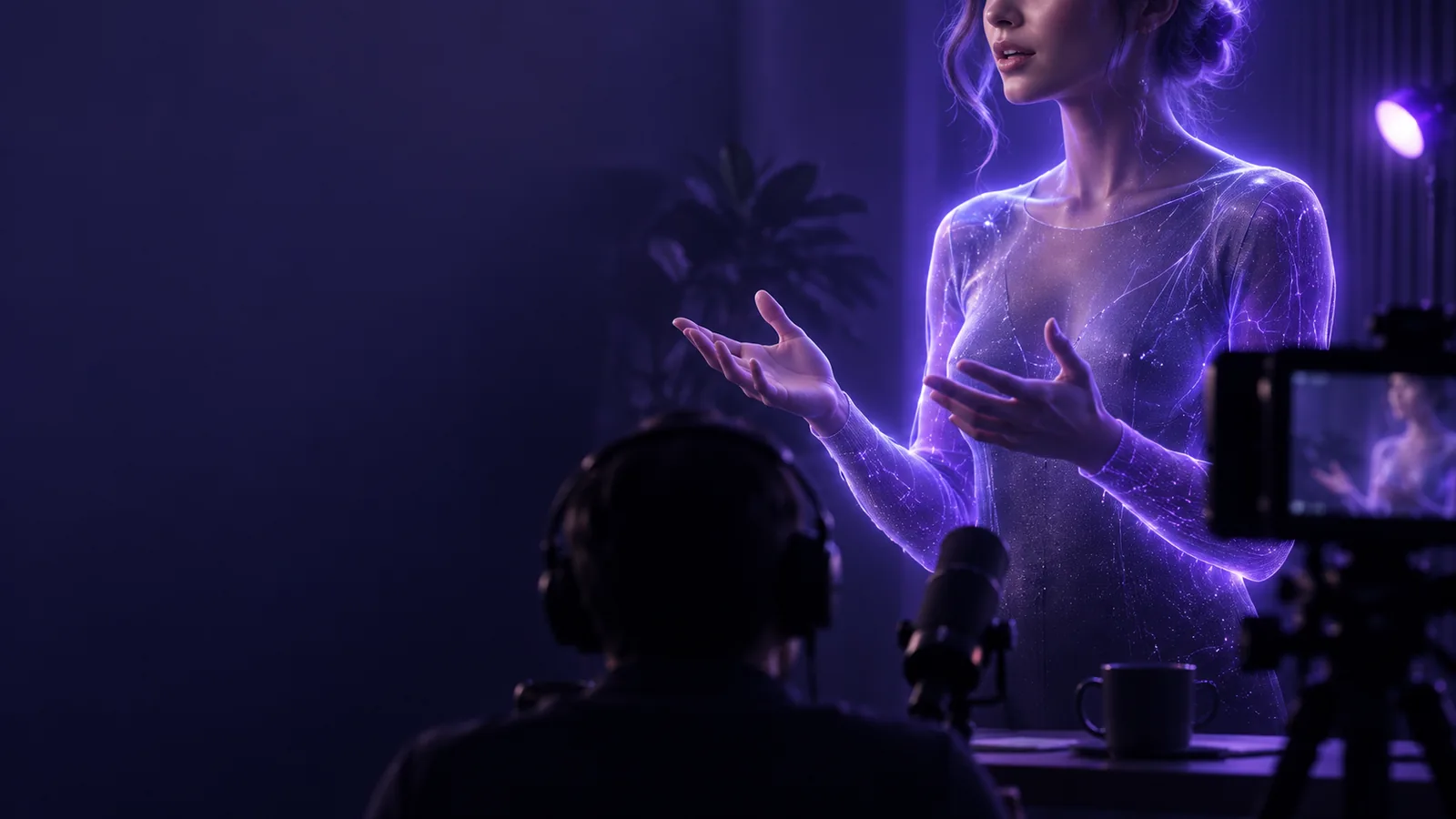
A talking head video shows a person speaking directly to the viewer, usually framed from the shoulders or chest up. The speaker carries the message; graphics, cuts, and background footage may support it, but they do not define the format.
3 misconceptions
The label describes how a message is presented, not how the footage was made. It does not mean the speaker must be artificial, motionless, or the only thing on screen.
What it actually is
The viewer's attention stays with a visible speaker delivering an explanation, story, or message. Production choices can vary without changing that basic relationship.
-
1
Choose the message
Start with something best understood through a person speaking: an introduction, an answer, an opinion, or a concise explanation. The speaker should have a clear point to make, rather than merely reading labels that viewers could scan faster.
-
2
Present the speaker
Record a person on camera or use a generated presenter. Frame the face clearly enough to follow expression and speech; a close-up is common, but a shoulders-up or wider shot still qualifies when the person remains the focus.
-
3
Support the speech
Add captions, cutaways, or simple visuals where they clarify a point. A talking head can contain edits and animation. It stops being speaker-led when those elements take over and the person becomes incidental.
Boundary conditions
The useful test is not whether a face appears somewhere in the video. Ask whether following that speaker is the main way the viewer receives the message.
Speaker-led talking head
A different primary format
Main focus
Speaker-led talking head
A visible person addresses the viewer for most of the message.
A different primary format
Objects, actions, slides, or scenery carry most of the message.
Camera source
Speaker-led talking head
May be filmed with a camera or presented by a generated avatar.
A different primary format
May use either source too; the recording method alone does not decide the format.
Framing
Speaker-led talking head
The face and upper body are clear enough to follow speech and expression.
A different primary format
A person appears briefly, at a distance, or only as background detail.
Editing
Speaker-led talking head
Cuts, captions, and visual inserts reinforce what the speaker says.
A different primary format
A montage or screen recording carries the explanation while speech is secondary.
Audio
Speaker-led talking head
Speech is central, whether recorded live or added in production.
A different primary format
Music, on-screen text, or environmental sound provides the main narrative.
Viewer's task
Speaker-led talking head
Listen to a person explain, introduce, teach, or address an audience.
A different primary format
Watch a physical process, inspect a product, or follow a visual demonstration.
When NOT to use it
Choose the format that shows the point
A talking head is a poor substitute for showing a task that depends on visible steps, movement, or close inspection. For a software walkthrough, prioritize the screen; for a repair, show the hands and parts. A brief speaker introduction can still provide context before the demonstration takes over. If the person and their explanation are the point, try a speaker-led video with Talking Head.
Try a video- Show the process when actions matter more than commentary.
- Use close-ups when viewers need to inspect details.
- Keep the speaker central when their explanation is the message.
FAQ
It means a video built around a visible person speaking to the audience. The person is the primary way the message is delivered, even if captions, images, or occasional cutaways appear.
No. A recorded speaker and a generated presenter can both use the format. What matters to the definition is the speaker-led presentation, not the production method.
Usually not. If viewers mainly watch slides while hearing a narrator who is not visible, it is better described as a narrated presentation. A visible speaker can appear alongside slides, provided they remain the focus.
Yes. Those elements can illustrate what the speaker says or improve pacing. If animation or demonstration footage becomes the primary way viewers understand the message, the video is no longer principally speaker-led.
Avoid relying on it alone when viewers must see precise actions, changing screens, or small physical details. Show the process directly and use a speaker only where an introduction or explanation adds value.