On-camera guide
Make a talking head for camera feel natural
A talking head for camera works when viewers can see your expression, hear every word, and follow your point without distractions. Use this guide to plan the shot, rehearse the delivery, and check a short test recording before committing to the full take.
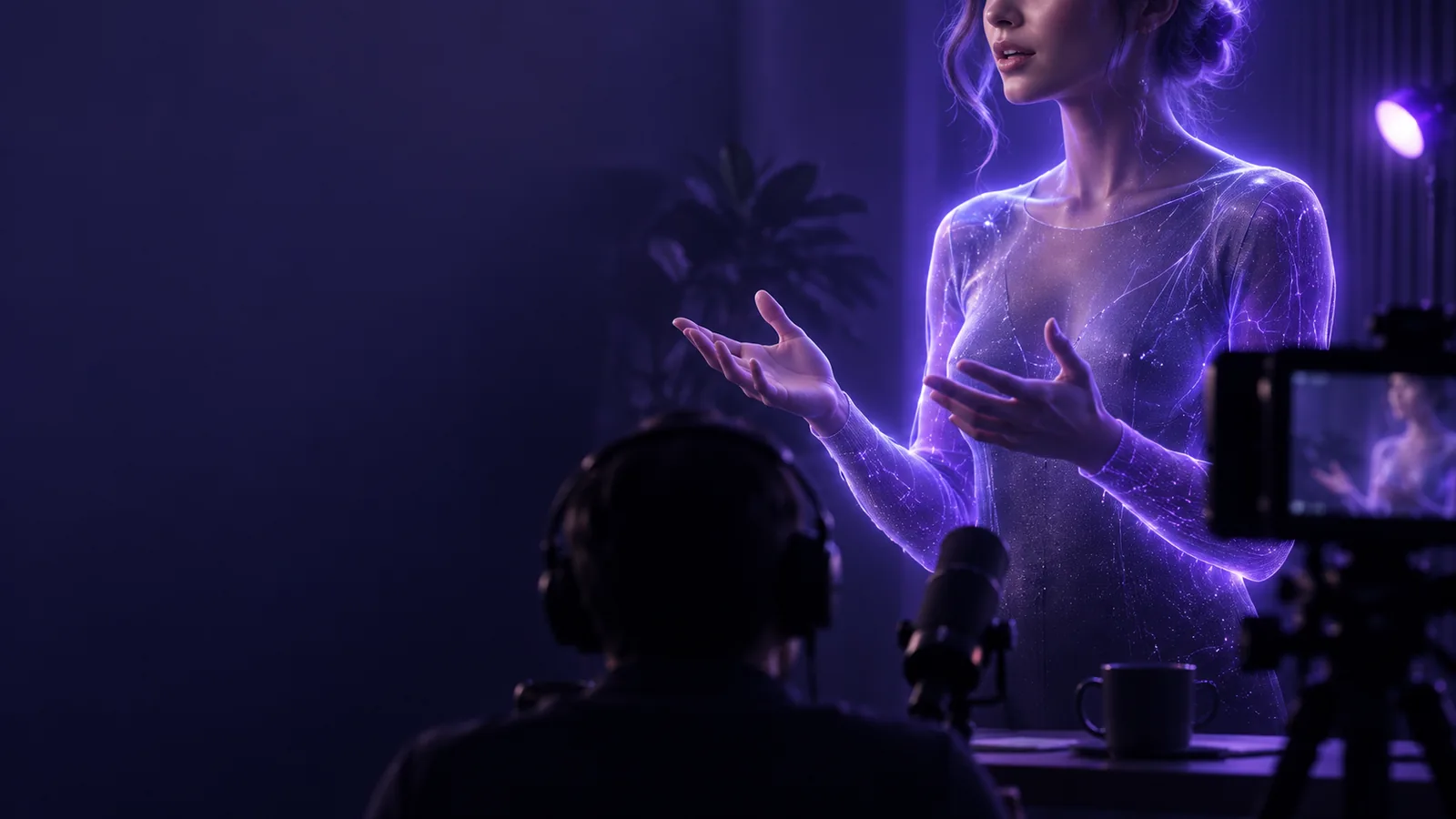
What this scenario must deliver
A camera-facing clip needs more than a visible speaker. These three passes establish whether the message, picture, and sound work together.
-
1
Define the viewer's takeaway
Write one sentence describing what the viewer should know or do by the end. Build a brief opening, two or three supporting points, and a closing line around it. For a talking head, this gives you a route back when you lose your place without forcing you to memorize every word.
-
2
Set the frame and sound
Put the camera near eye level and leave enough space around your face for natural movement. Face a soft light source, keep the background from competing with you, and record ten seconds of speech. Listen with headphones; a clear picture cannot rescue muffled audio.
-
3
Record a short trial
Deliver your opening at a conversational pace, then watch it as a first-time viewer. Check your eyeline, audible pauses, framing, and whether the first sentence makes the topic clear. Adjust one problem at a time before recording the complete talking head video.
Each item in the camera-ready workflow
If one part of the setup needs more attention, use the relevant guide rather than changing everything between takes.
Quality bar for a camera-facing clip
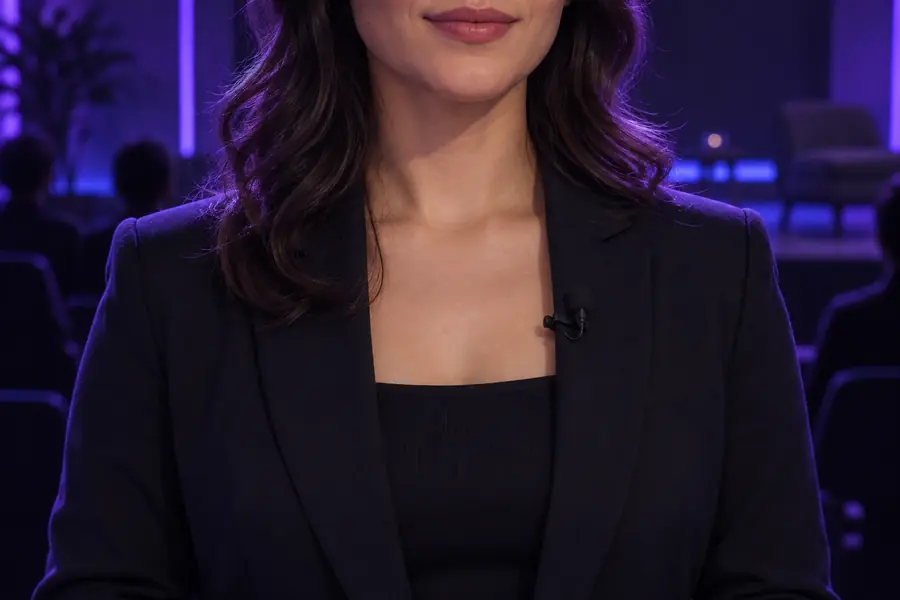
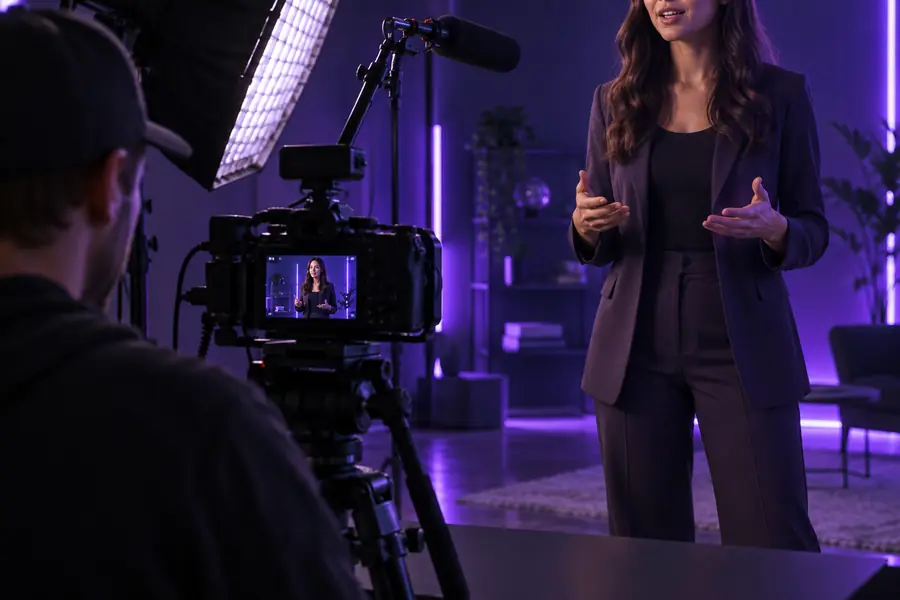
Judge the frame by what a viewer notices first: the speaker's eyes, the clarity of the voice, and whether the surroundings help explain the subject.
- Initial frame
- Reviewed frame
These images illustrate a framing review, not a documented edit of the same recording. In your own test, look for eyes near lens height, a face that is easy to read, and background details that do not compete with speech.
Common rework and how to avoid it
Planning improves a take, but it cannot fix every recording problem after the fact. Catch these issues while you can still change the setup.
-
Unclear speech stays unclear
A polished frame cannot restore words lost to traffic, room echo, or a microphone placed too far away. Viewers may abandon an otherwise useful talking head when they must strain to listen.
WorkaroundRecord and replay a speech sample in the actual room. Reduce nearby noise or move the microphone closer before the full take.
-
Lighting cannot replace expression
Even light makes a face visible, but it will not make a flat delivery engaging. Reading every line without looking toward the lens can make a camera presentation feel distant.
WorkaroundUse short talking points and rehearse the opening aloud. Pause between ideas so you can return your gaze to the camera.
-
A busy background draws attention
Objects, movement, or bright patches behind the speaker can compete with the message. The problem is especially noticeable when the talking head occupies only part of a small screen.
WorkaroundMove yourself or the camera before adding effects. Keep only background elements that serve a clear purpose.
-
Cropping will not restore missing space
A frame that cuts off gestures or puts the face against an edge leaves little flexibility for later edits and captions.
WorkaroundRecord a short test in the intended format and leave comfortable space around the speaker before continuing.
Camera setup quality bar
Use this table to compare a first setup with a recording-ready one. These are review criteria, not guarantees about a camera or editing tool.
First setup
Recording-ready setup
Message
First setup
The speaker starts without a clear point.
Recording-ready setup
The opening names the topic and gives viewers a reason to stay.
Eyeline
First setup
The speaker repeatedly watches a screen off to one side.
Recording-ready setup
The lens is near eye level and the speaker returns to it between thoughts.
Framing
First setup
The face sits against an edge or gestures leave the frame.
Recording-ready setup
The head and shoulders have room to move without looking lost in the shot.
Lighting
First setup
A bright window behind the speaker leaves the face hard to read.
Recording-ready setup
Light falls on the face without an overpowering background highlight.
Audio
First setup
Speech competes with echo or steady background noise.
Recording-ready setup
A headphone check confirms that words remain easy to understand.
Delivery
First setup
Long, unbroken sentences sound read aloud.
Recording-ready setup
Short points and natural pauses give the talking head a conversational rhythm.
Review
First setup
The full take begins before any playback.
Recording-ready setup
A brief test reveals problems while the setup can still be changed.
Put your camera plan into motion
Start with one clear take
You do not need an elaborate set to make a talking head for camera worth watching. Start with a focused point, test the sound and frame, then record a short passage you can review honestly. Change what distracts from the speaker before you spend time polishing the rest.
Plan your video- Outline the viewer's takeaway
- Check the frame and audio
- Review a short test take
Scenario FAQ
Look toward the lens when you deliver a key sentence, especially at the opening and closing. It is fine to glance at brief notes between ideas; place them near the lens so the movement feels natural rather than like a long look away.
Start with a frame that shows your face clearly and leaves some room around your head and shoulders. Record a short test to see whether gestures stay visible and the composition still works on a smaller screen.
Both matter, but speech must be understandable for viewers to follow the message. Check the audio first, then adjust the light so facial expressions are easy to see without a distracting bright area behind you.
Not necessarily. A short outline can help a talking head sound more conversational while keeping the main point intact. If you need exact wording, rehearse it aloud and leave pauses where an editor could make a clean cut.
Record your opening and watch it with the sound on before continuing. If the point is clear, the voice is easy to hear, and the frame does not draw attention away from you, the setup is ready for a longer recording.