Video troubleshooting
A talking head tutorial step by step for clearer videos
If your talking head video feels awkward, identify the problem before recording another take. This tutorial starts with what you can see or hear, then gives you an order for checking the setup, performance, and edit.
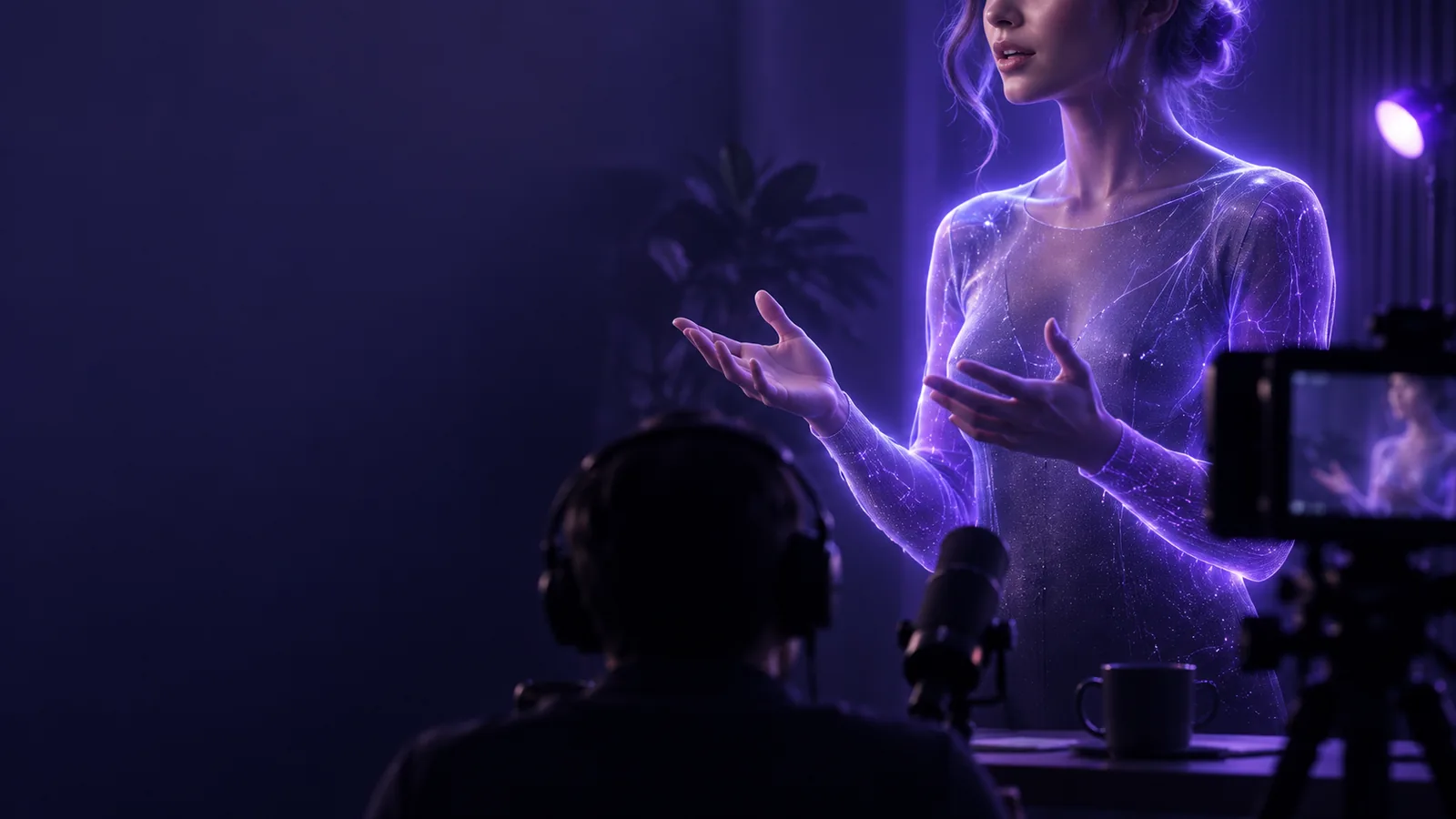
symptom
Watch the clip once without stopping. Name the first problem a viewer would notice, rather than trying to fix everything at once.
-
1
Separate picture from sound
Play ten seconds with the sound off. Check whether the face is easy to see, the eyes sit near the upper third of the frame, and the background competes with the speaker. Then listen without watching. If words are hard to understand, treat audio as the first fix; a polished frame cannot rescue an unclear explanation.
-
2
Find where attention drops
Watch at normal speed and mark the first sentence that feels slow or confusing. A talking head can seem stiff because the speaker reads every word, pauses before the point, or keeps a weak opening. Note the time of the problem. That timestamp helps you decide whether to change the script, record one replacement sentence, or tighten the edit.
-
3
Check the source before the edit
Compare a short unedited take with the finished video. If both have noise, poor light, or uncertain delivery, fix the recording conditions. If only the edit feels jumpy, inspect cuts and caption timing instead. This distinction prevents repeated exports when the problem is in the source and prevents unnecessary rerecording when one cut would solve it.
elimination order table
Use the comparison below to test the quickest likely cause first. For a different starting point, these related guides cover planning, recording, editing, and pacing.
elimination order table
The left column is the first test; the right column is the next move if that test does not resolve the symptom.
Test first
If the problem remains
Speech is hard to hear
Test first
Listen through headphones and check whether the voice is quieter than room noise or music. Move the microphone closer for a new take.
If the problem remains
Record a short replacement line in a quieter space. Avoid relying on aggressive noise removal to reconstruct missing words.
Face looks too dark
Test first
Turn toward a window or soft lamp and record a brief test. Keep a bright window from sitting directly behind the speaker.
If the problem remains
Adjust exposure before filming again. Raising brightness in the edit may also reveal noise in the original image.
Framing feels uncomfortable
Test first
Bring the camera near eye level, leave modest space above the head, and look at the lens rather than the preview.
If the problem remains
Crop only if the recorded frame has enough room. Otherwise, reset the camera and capture the affected segment.
Opening feels slow
Test first
Remove greetings or setup that delay the point. Begin with the specific question, result, or problem the viewer came for.
If the problem remains
Record a concise opening sentence and place it before the existing explanation.
Delivery sounds read aloud
Test first
Replace full paragraphs with short speaking notes. Record one idea at a time and allow a natural pause between ideas.
If the problem remains
Keep the clearest phrases from several takes. Do not cut so tightly that every breath disappears.
Cuts feel abrupt
Test first
Check each edit for a clipped word, sudden change in volume, or jump that distracts from the sentence.
If the problem remains
Move the cut into a pause or use a relevant visual over it. A decorative transition will not repair broken speech.
Captions are distracting
Test first
Read the captions while listening and correct words, timing, and line breaks that interrupt a thought.
If the problem remains
Shorten each caption group and keep it clear of the speaker’s face. Review the exported video, not just the editor preview.
each fix's steps
Make one change, capture a short test, and compare it with the original before changing anything else.
- Starting point
- Revised setup
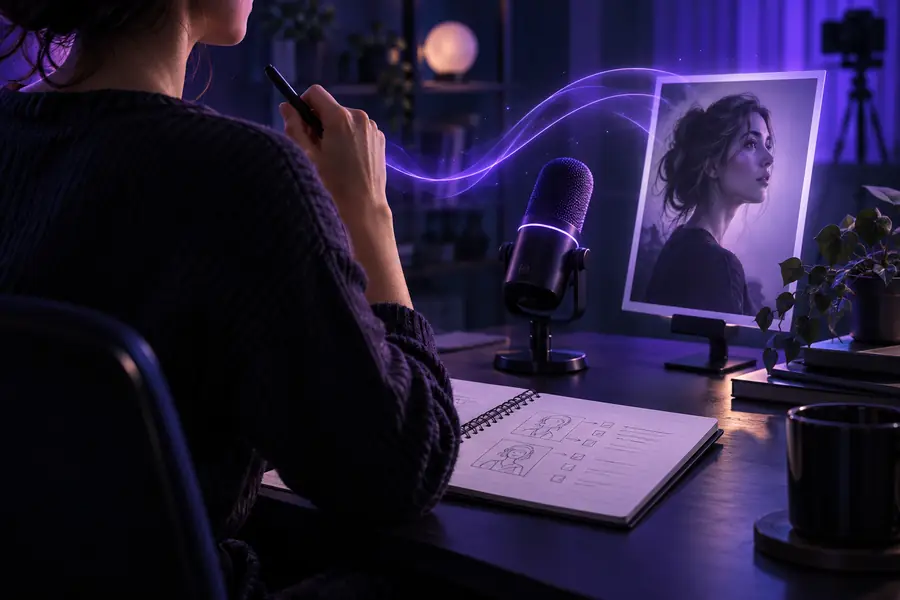
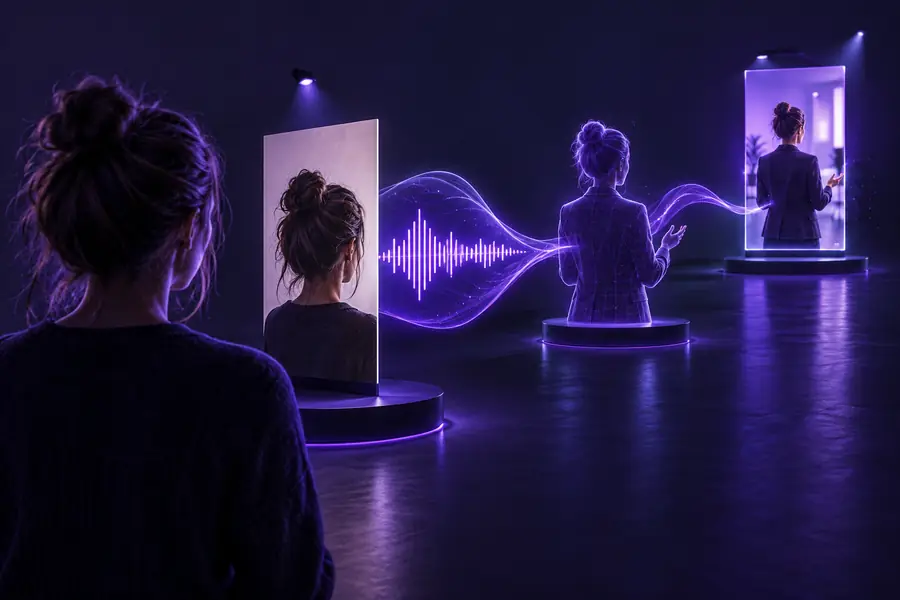
These images illustrate a comparison; they are not verified before-and-after frames from one recording. For a useful check, save ten seconds of your own talking head footage, change only the suspected cause, and record the same sentence again. Compare the two clips at the same volume and viewing size. If the change helps, apply it to the full recording; if it does not, return to the elimination order.
how to avoid recurrence
A short pre-recording check is easier than repairing the same fault throughout a finished video.
-
A workflow cannot restore missing speech
This tutorial can help you locate muffled or clipped words, but it cannot recover detail that the microphone never captured.
WorkaroundRecord a test sentence, listen through headphones, and replace any unclear line before editing the full talking head video.
-
A better edit cannot fix every performance issue
Trimming pauses helps pacing, but it will not make an unclear point understandable or make constant script-reading sound spontaneous.
WorkaroundWrite the main point in one sentence, speak from brief notes, and record that idea in manageable sections.
-
An illustration cannot validate your setup
The image comparison does not measure your room light, microphone placement, camera exposure, or export quality.
WorkaroundSave a local test clip and check it on the device and screen where people will watch the final video.
-
One framing choice will not suit every format
A wide talking head composition may crop poorly in a vertical frame, especially when captions need space.
WorkaroundChoose the intended frame before recording and check a short export for face placement and readable text.
how to avoid recurrence
Start with one clear presenter clip
Use your best short script and a simple visual direction to try a talking head clip. Then apply this tutorial to the result: check speech first, inspect the frame, and change one thing at a time. Keep the clearest version rather than adding effects to hide a problem.
Create presenter clip- Write the main point before describing the scene
- Check a short result before revising the whole idea
- Compare changes against the same sentence
tutorial FAQ
Fix speech that a viewer cannot understand before polishing the picture. If the audio is already clear, check lighting and framing, then look at the opening, delivery, and edit in that order.
Usually not. Mark the affected sentence and try a replacement take with the same camera position and sound setup. Rerecord more only if the issue, such as persistent background noise, runs through the entire clip.
Compare the unedited take with the exported video at the same point. A fault present in both likely began during recording; a new jump, caption error, or volume change in the export points toward the edit.
Record a short explanation of one idea, then watch it once without sound and listen once without the picture. Write down the first issue you notice in each pass, fix the more disruptive one, and record the same explanation again.
Use the steps as checks, not as lines to recite on camera. Speak from a few prompts, pause between ideas, and preserve enough breathing room in the edit for the explanation to sound conversational.