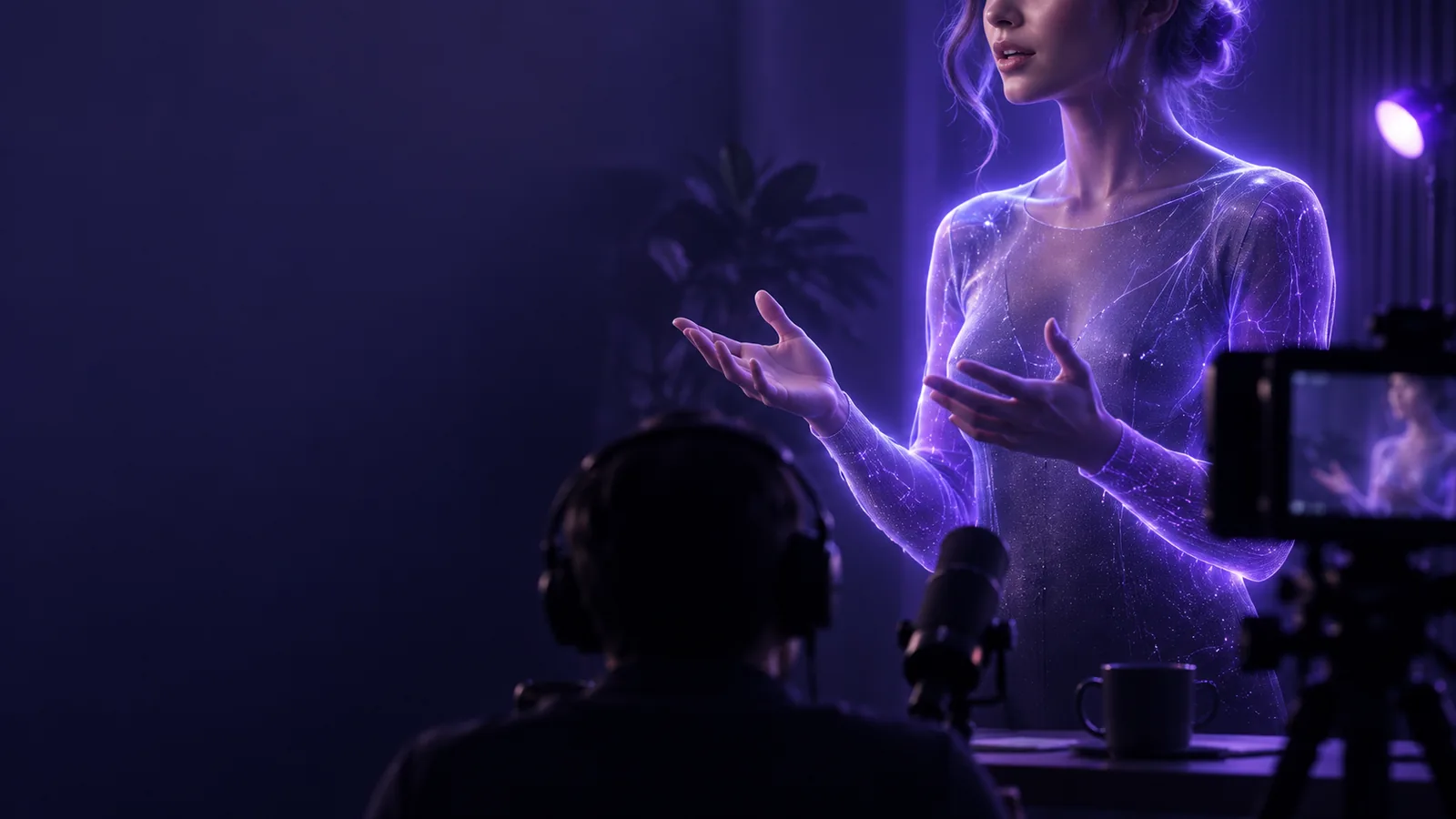
Talking Head

Filming guide

How to do a talking head video that feels natural

If you are wondering how to do a talking head video, start with one point your viewer should remember. Then choose a quiet place, frame your face clearly, record a short take, and edit out anything that slows the message.

Review your message before creating
Talking Head landing visual

Before recording, decide who the clip is for, what you will say, and whether you are filming yourself or planning a generated version.

Match your setup to your message

You do not need the same script or framing for every audience. Pick the closest situation, then prepare one opening sentence and one useful takeaway.

First-time presenter

You have a useful idea but freeze when trying to deliver a long script from memory.

Write three short prompts, place them near the lens, and record one idea at a time. A wider production plan can help you decide what to prepare before the camera is on.

how to make a talking head video
Solo phone creator

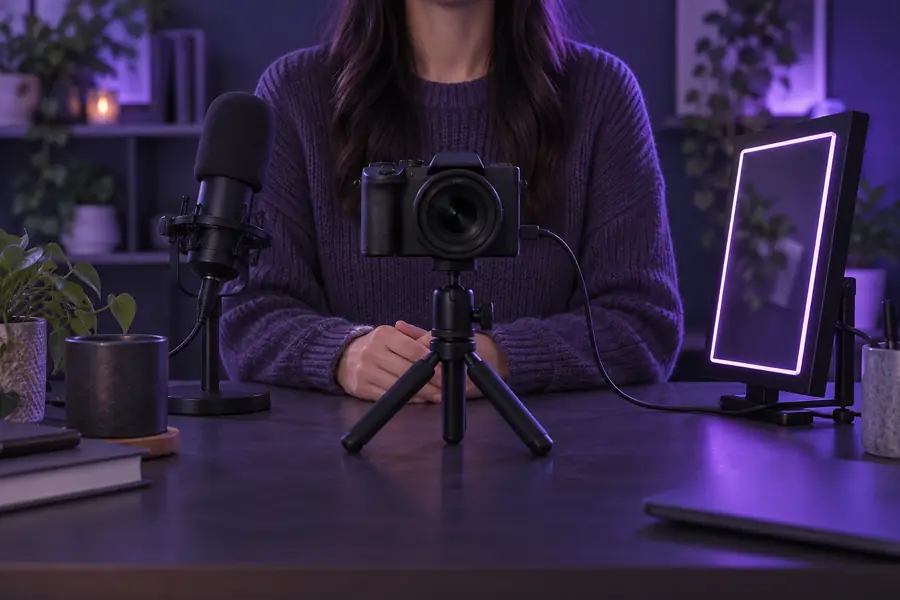
You are recording without a camera operator and need to check each stage yourself.

Mark where you will sit, record a brief test, and listen to it before doing the full take. A sequential checklist makes those checks easier to remember.

talking head tutorial step by step

Editor with existing footage

Your message is recorded, but pauses and repeated lines interrupt the flow.

Select the clearest take first, then remove only the pauses and restarts that distract from it. Keep the original audio available while you edit.

how to create a talking head video in capcut

Recurring series host

Your clips are accurate but look and sound too similar from one episode to the next.

Keep a consistent framing style while changing the opening example or adding a relevant visual cutaway. Make each change serve the explanation.

how to make talking head videos more interesting

numbered steps

Work in this order so you can solve message and sound problems before spending time on polish.

  1. 1

    Outline and test the message

    Write the viewer's question at the top of your notes. Answer it in an opening sentence, add one supporting example, and finish with a clear takeaway. Say the outline aloud before filming: a sentence that reads well may sound stiff. Shorten phrases you cannot say comfortably in one breath. If you plan to use a generated speaker instead of filming yourself, prepare the same concise script and check its wording for claims you can support.

  2. 2

    Set the frame and record

    Put the lens close to eye level, leave comfortable space above your head, and face a soft light rather than a bright window behind you. Choose the quietest available room and move the microphone close enough for a clear voice without obstructing the shot. Record a short test and play it back through headphones. Once the sound and framing work, look toward the lens, pause briefly, and deliver the outline in manageable sections.

  3. 3

    Edit for understanding

    Choose the take with the clearest explanation, not automatically the one with the fewest hesitations. Trim false starts and long gaps, but leave enough breathing room that the speaker sounds human. Add captions only after checking names and technical terms against the audio. Use a visual or text label when it clarifies a point, then watch the finished talking head clip with sound on and off before sharing it.

common errors and fixes

A direct-to-camera format exposes small problems quickly. Fix the issue that interferes with understanding before changing the look.

  • Editing cannot restore an unclear explanation

    Cutting pauses can shorten a rambling take, but it cannot supply the missing point or make contradictory lines agree.

    WorkaroundRewrite the opening around one viewer question and record a replacement sentence while your framing and lighting are still in place.

  • Captions cannot repair badly recorded speech

    Automatic text may guess at words buried under traffic, echo, or a loud fan; viewers who listen will still hear the problem.

    WorkaroundMove to a quieter spot, bring the microphone closer, and test the audio again. If you cannot rerecord, check every caption against what is actually audible.

  • A closer crop cannot fix every composition

    Cropping may remove a distracting edge, but it cannot recover a cut-off head or restore sharpness to an out-of-focus face.

    WorkaroundCheck the full frame before the main take, tap to focus on your face, and leave a little space around the subject for later reframing.

  • A generated face is not a substitute for consent

    A convincing speaking image does not establish that the person shown agreed to appear or endorsed the message.

    WorkaroundUse your own likeness or material you have permission to use, and identify synthetic presentation when viewers could mistake it for a real recording.

See what a framing fix changes

  • Review the frame
  • Plan the adjustment

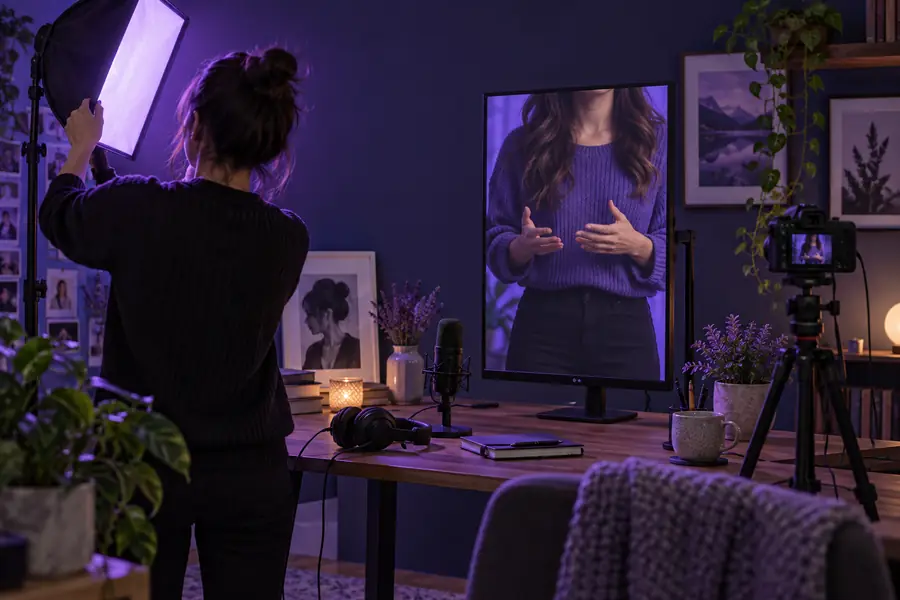
These are composition references, not frames from the same recording. In your own test clip, compare eye level, headroom, background distractions, and whether the face remains clear at the size viewers will see.

Reference image for reviewing a direct-to-camera composition
Reference image for planning a clearer direct-to-camera composition

advanced tips

Choose techniques for the job they do. A polished talking head video still depends on a speaker the viewer can hear and follow.

1

Opening

Keep it simple

State the question and answer it plainly.

Add a deliberate enhancement

Start with a brief example that demonstrates why the answer matters.

2

Script

Keep it simple

Use short prompts instead of reading every word.

Add a deliberate enhancement

Write exact wording for a definition or sensitive claim, then verify it before recording.

3

Delivery

Keep it simple

Speak at a pace you can sustain naturally.

Add a deliberate enhancement

Pause before a key point so an edit or caption has a clean place to land.

4

Framing

Keep it simple

Keep your face visible and the background unobtrusive.

Add a deliberate enhancement

Leave intentional space beside you only when a label or illustration will use it.

5

Visuals

Keep it simple

Stay on the speaker while the explanation is enough.

Add a deliberate enhancement

Insert a screen recording or example precisely when it makes a claim easier to grasp.

6

Final review

Keep it simple

Watch the full clip and listen for abrupt audio cuts.

Add a deliberate enhancement

Also review on a smaller screen and with sound muted to check framing and captions.

Put your plan into motion

Turn a short message into a speaking clip

Start with the opening, one useful example, and a closing takeaway. If you are filming, test your sound and frame before the full take; if you are creating a generated version, review the script and use a likeness you have permission to use. Either way, judge the result by whether a viewer can understand the point.

Create my video
  • Lead with one viewer question
  • Keep the voice easy to understand
  • Review the finished message before sharing

tutorial FAQ

You need a clear message, a device that records video, enough light to see your face, and a quiet place for understandable speech. Test a short recording before the full take; hearing the audio back is more reliable than assuming the room sounds quiet.

Use brief prompts when you know the subject and want a conversational delivery. Write exact sentences for details that must be precise, such as a definition or a quotation. In either case, read the words aloud and remove phrasing you would not normally say.

Look toward the lens when making your main point so the viewer feels addressed. It is fine to glance at notes between thoughts; pause first, then resume the sentence. A note placed near the lens is less distracting than one far off to the side.

Turn off nearby noise where possible, choose a room with soft furnishings, and keep the microphone reasonably close. Make a test clip and listen for echo, hum, and words that disappear at the ends of sentences. Change one part of the setup and test again before recording everything.

Remove mistakes, long silences, and repetition that obscures the point, but do not cut every natural pause. Check that each join preserves the intended meaning and that captions match the final audio. A short clip that is easy to follow is more useful than one edited solely to feel fast.

Start creating
Start creating